
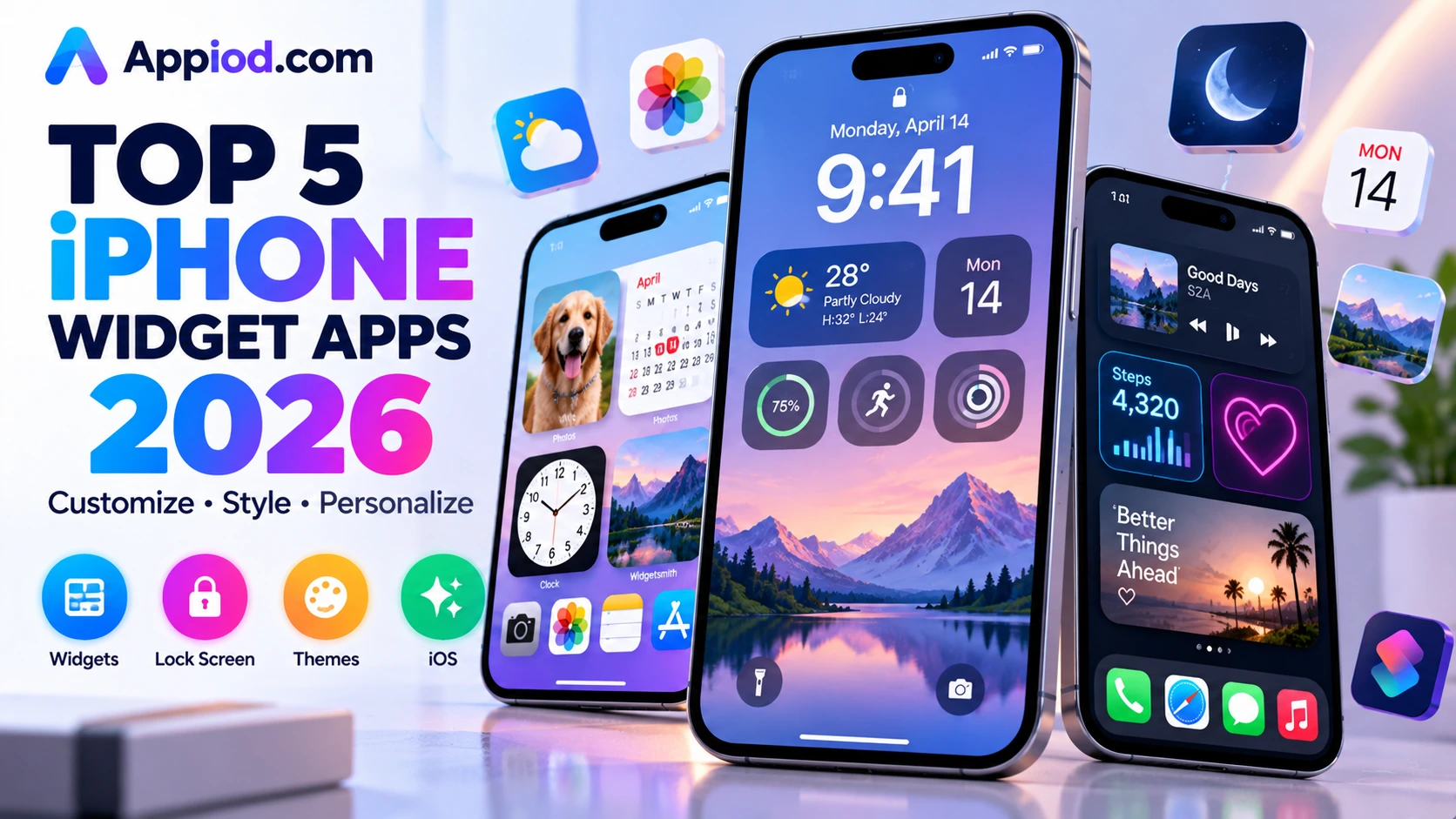
Apple’s own native widget and lock screen customization tools have grown genuinely capable in recent iOS versions, letting users layer photo widgets, custom fontsLibrary, and interactive Live Activities directly onto a lock screen without any third-party app at all. A strong ecosystem of third-party apps still pushes that customization considerably further, offering deeper widget design control and more elaborate personalization than Apple’s built-in tools attempt. Here’s a look at what’s worth using this year.
Apple’s Native Lock Screen and Widget Tools
Apple’s built-in lock screen customization, accessible directly by long-pressing the lock screen, remains the fastest, most frictionless way to add photo widgets, custom fonts, and interactive elements without installing anything additional. Its StandBy mode transforms the phone into a bedside display when charging horizontally, showing large clock faces, photos, or widgets, and its Live Activities support lets apps like sports scores or delivery tracking stay pinned directly to the lock screen in real time. For most users who want solid, genuinely capable customization without managing a separate app, Apple’s native tools now cover a considerably larger share of what used to require third-party software entirely.
Widgetsmith

Widgetsmith remains the most established and widely used third-party widget customization app, letting users build genuinely custom widgets combining photos, weather, calendar events, and countdowns with far more granular control over fonts, colors, and layout than Apple’s native widget gallery attempts. Its combination of practical, information-dense widgets alongside purely decorative photo widgets gives users real flexibility to build a home screen that’s both genuinely useful and visually cohesive. For anyone who’s outgrown Apple’s native widget options and wants deeper design control, it remains the clearest, most capable third-party choice.

Color Widgets
Color Widgets specializes specifically in visually striking, aesthetically themed widget designs, offering a large library of pre-built widget styles spanning countless color palettes and visual themes that make achieving a cohesive, intentional home screen look considerably faster than building every widget manually from scratch. Its icon-matching tools also help align custom app icons with a chosen widget theme, giving users a genuinely unified visual identity across their entire home screen rather than mismatched, inconsistent elements. For users who prioritize a specific aesthetic vision and want ready-made, cohesive widget styles rather than building from a blank canvas, it remains one of the more design-forward options available.
Photo Widget: Simple
Photo Widget: Simple focuses narrowly and effectively on one specific job, displaying a rotating or fixed selection of personal photos directly as a widget, without the broader feature bloat of a more general-purpose widget app. Its straightforward setup makes it genuinely easy for users who mainly want to see a favorite photo, or a rotating slideshow of several, glanced at throughout the day without navigating into the Photos app directly. For anyone whose primary widget need is simply personal photo display rather than data-rich information widgets, its narrow focus and simplicity remain a genuine advantage over a more feature-dense alternative.
ChatGPT Widget

A newer category of widget has emerged specifically around AI-assisted lock screen utility, letting users pin a quick AI query shortcut or a daily AI-generated summary directly to their lock screen rather than needing to open a full AI assistant app for a quick answer. This represents a genuinely distinct evolution in what a widget can meaningfully do beyond static information display, turning the lock screen into a genuine quick-access point for AI assistance rather than only passive information. For users who frequently reach for a quick AI query throughout the day, this emerging widget category offers a genuinely useful shortcut worth exploring as it continues to mature.
Choosing between these five comes down mostly to how much customization depth is actually wanted beyond Apple’s already-capable native tools. Most users whose customization needs are fairly moderate should start with Apple’s own native lock screen and widget tools, since recent iOS versions have closed much of the gap that used to require a third-party app. Anyone who’s outgrown that native ceiling and wants genuinely deeper widget design control should invest in Widgetsmith, users chasing a specific cohesive aesthetic should explore Color Widgets’ themed library, and anyone whose primary need is simple personal photo display should keep things focused with Photo Widget: Simple rather than a more feature-dense alternative.
Conclusion
Personalizing an iPhone’s widgets and lock screen has become considerably more achievable than it once was, thanks to Apple’s own increasingly capable native tools alongside a mature third-party ecosystem that pushes customization even further. Whichever of these five ends up fitting a specific personalization goal, the underlying payoff remains the same: a home screen and lock screen that genuinely feel like a reflection of the person actually using them.