
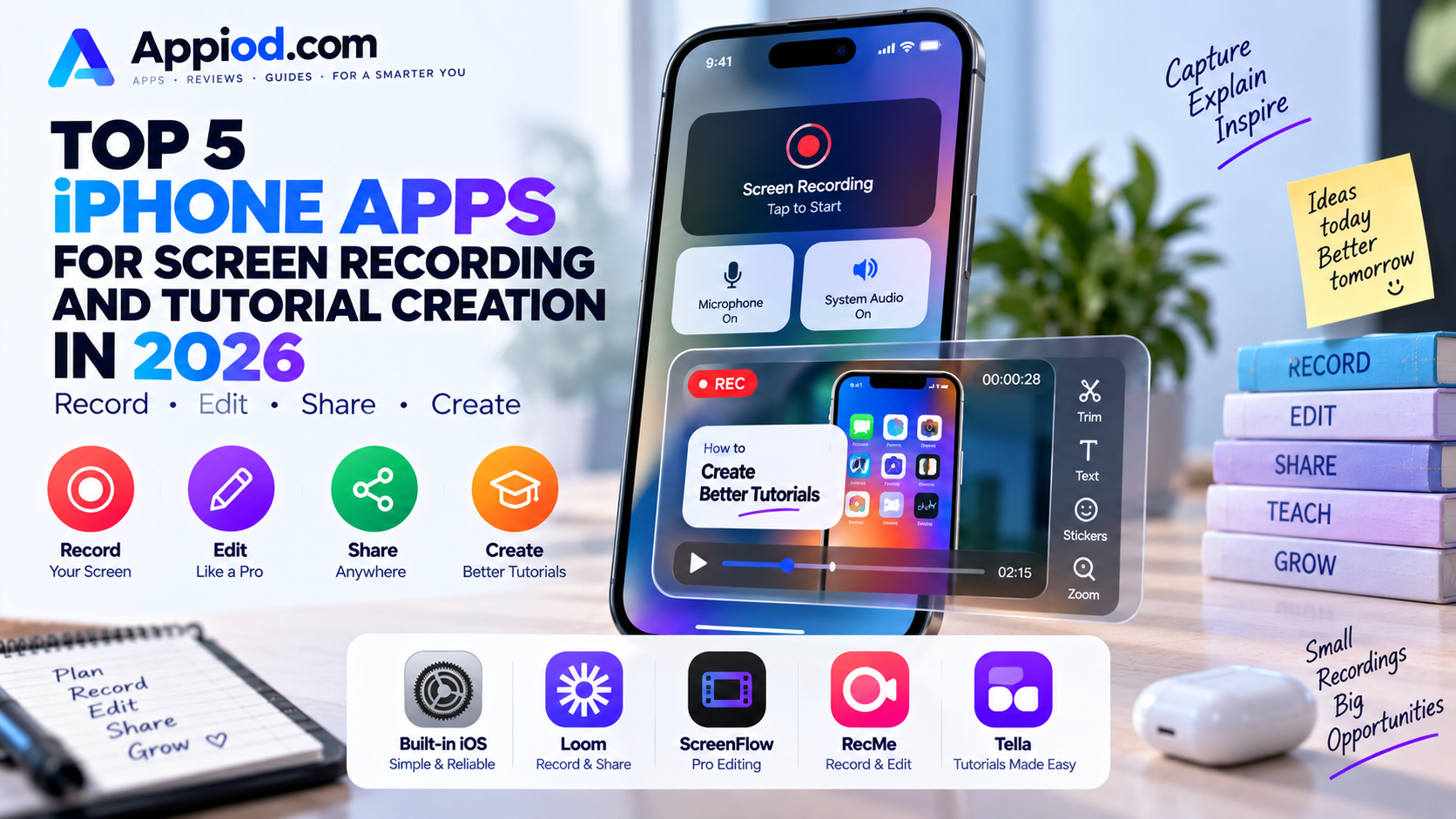
Screen recording on iPhone has become genuinely essential well beyond app developers and technical support teams, covering everything from a quick bug report sent to a colleague to a fully produced software tutorial with narration and editing. Apple’s own built-in screen recording, accessible directly from Control Center, has improved considerably and now covers most casual recording needs without installing anything extra, but a strong ecosystem of third-party apps extends that capability considerably further for anyone producing genuinely polished tutorial content. Here’s a look at what’s worth using this year.
Built-in iOS Screen Recording
Apple’s native screen recording feature, accessible directly from Control Center with no app installation required, remains the fastest and most frictionless way to capture a quick screen recording, including system audio and an optional microphone narration track, all saved directly to Photos. It requires zero setup once added to Control Center, and its tight system integration means it works reliably across virtually any app without the compatibility quirks a third-party recording app occasionally runs into. For quick bug reports, casual sharing, or anyone who doesn’t need editing tools built directly into the recording workflow, it remains the obvious starting point before reaching for anything else.
Loom
Loom remains the clearest choice specifically for anyone recording tutorials meant to be shared and watched by others, automatically generating a shareable link the moment a recording finishes rather than requiring a separate export and upload step. Its AI-powered features can automatically generate a written summary and timestamped chapters from a recording’s audio, making longer tutorials considerably easier for a viewer to navigate and find the specific moment they actually need. For teams and creators whose primary use case is recording once and sharing widely, its combination of fast recording and automatic, genuinely useful post-production polish remains difficult to match.
ScreenFlow
ScreenFlow brings genuinely professional-grade editing capability to iPhone screen recording, offering multi-track editing, callout annotations, zoom and pan effects, and transition options that go well beyond what a simple record-and-share tool attempts. Its depth appeals specifically to creators producing polished, marketing-quality tutorial content or online courses where genuine post-production editing matters as much as the initial capture, rather than a quick, unedited screen share. For anyone building a genuine library of professionally produced tutorial content rather than casual, one-off recordings, its editing depth justifies the steeper learning curve compared to simpler recording tools.
RecMe Screen Recorder
RecMe Screen Recorder focuses specifically on adding genuine editing capability directly on top of a screen recording without requiring a separate desktop app, letting users trim, add background music, and insert text overlays entirely within a single mobile workflow. Its straightforward, mobile-native editing tools appeal specifically to creators who want to produce a finished, shareable tutorial entirely on an iPhone without ever needing to transfer footage to a computer for post-production. For anyone whose entire content creation process happens on mobile, from recording through final edit, it removes a real friction point that apps requiring desktop editing still carry.
Tella
Tella has built a specific niche around producing polished, webcam-plus-screen-recording tutorials, automatically compositing a presenter’s face in a small overlay window alongside the recorded screen content, a format that has become the standard for engaging software tutorials and product demos. Its clean, professional templates and automatic background removal for the webcam overlay give recordings a genuinely produced feel without requiring separate video editing software to achieve that same composited look. For creators specifically producing personality-driven software tutorials or product walkthroughs where seeing the presenter alongside the screen matters, it remains one of the most purpose-built options available.
Choosing between these five comes down mostly to how polished the final output actually needs to be and where the editing happens. Anyone who just needs a quick, casual recording without any editing should stick with Apple’s built-in Control Center recorder, since it requires zero setup and handles the vast majority of quick-share use cases perfectly well. Teams and creators who want fast recording with automatic sharing and AI-generated summaries should default to Loom, while anyone producing genuinely polished, marketing-quality tutorial content should invest the extra learning curve in ScreenFlow’s professional editing depth. Creators who want a fully mobile-native workflow from recording through final edit should look to RecMe, and anyone specifically producing webcam-plus-screen tutorials should give Tella’s purpose-built compositing a serious look.
Conclusion
Screen recording on iPhone has matured from a niche developer tool into genuinely accessible, capable tutorial-creation infrastructure, and 2026’s strongest apps each serve a distinctly different point on the spectrum from quick casual capture to fully produced content. Whichever of these five ends up fitting a specific recording need, the underlying payoff remains the same: turning what’s happening on a screen into something clear and genuinely useful for whoever watches it afterward.