
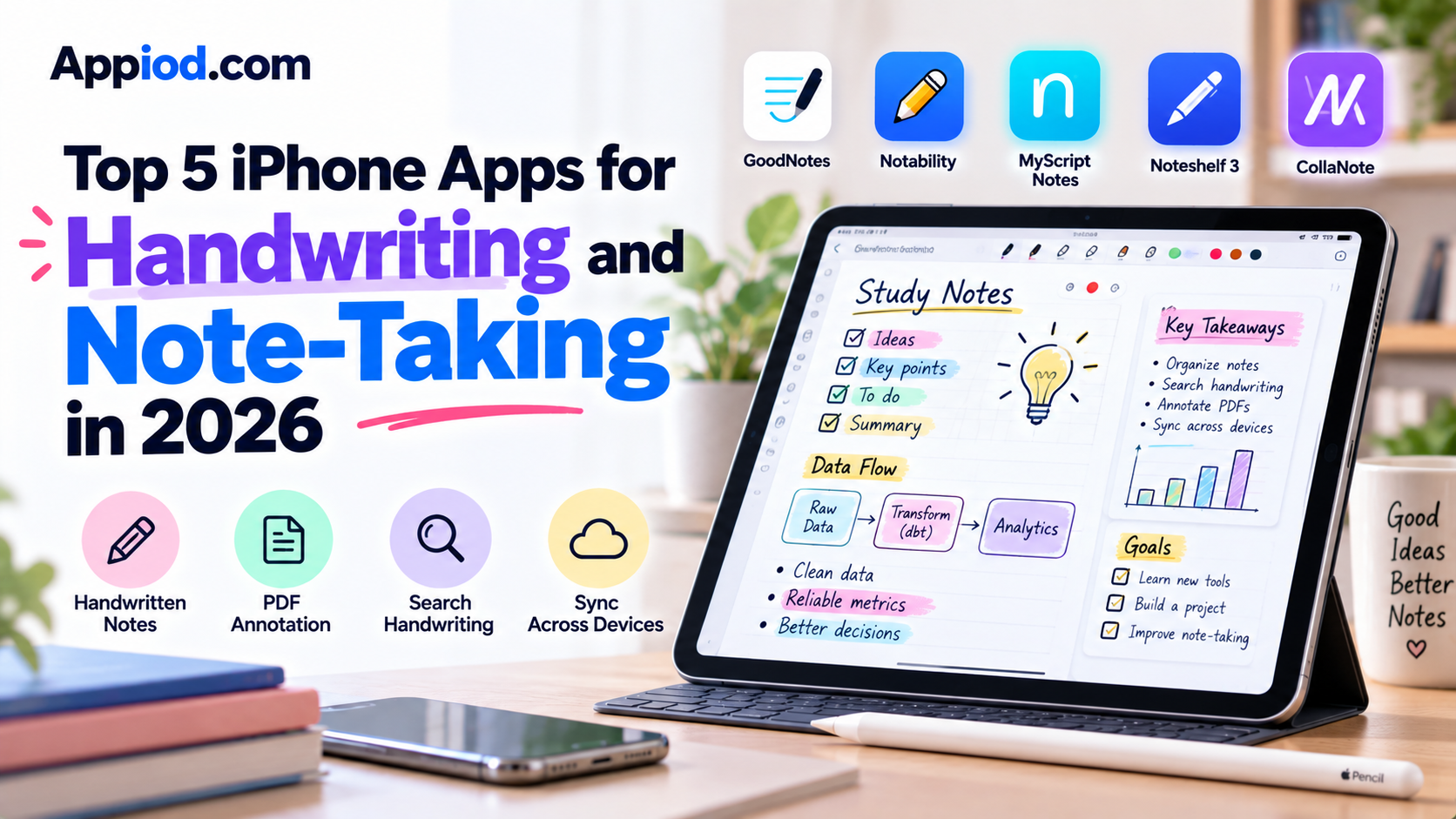
Apple Pencil support has turned an iPad into a genuinely credible replacement for a paper notebook, and a mature ecosystem of note-taking apps has grown up specifically to make handwritten digital notes feel natural while adding genuinely useful capabilities, searchable handwriting, PDF annotation, infinite canvas space, that paper simply can’t offer. Here’s a look at what’s worth using this year.
GoodNotes
GoodNotes remains one of the most polished and widely used handwritten note-taking apps available, offering genuinely natural-feeling pen input alongside powerful PDF annotation tools that let users mark up documents, textbooks, and forms directly with handwritten notes. Its handwriting search feature can locate specific handwritten words across an entire note library, a genuinely useful capability that paper notebooks obviously can’t replicate. Its extensive template library, covering everything from planners to specialized note formats, gives users considerably more structure options than a blank digital page alone.
Notability
Notability distinguishes itself specifically with genuinely seamless audio recording synced directly to handwritten notes, letting users tap anywhere in their notes later and hear exactly what was being said at that precise moment, a feature particularly valuable for students recording a lecture while taking notes simultaneously. Its clean, focused interface keeps the actual writing experience uncluttered, and its multi-note organization system lets users maintain separate notebooks for different subjects or projects without the interface feeling overwhelming. For students specifically who want notes and audio tightly linked together, it remains one of the most purpose-built options available.
MyScript Notes
MyScript Notes, formerly known as Nebo, focuses specifically on genuinely accurate handwriting-to-text conversion, using advanced recognition technology that converts natural handwriting into clean, editable typed text in real time as a user writes, without requiring a rigid, unnatural writing style to achieve accurate recognition. Its math equation recognition also converts handwritten mathematical notation into properly formatted equations, a genuinely useful capability for students working through math or engineering coursework by hand. For anyone who specifically wants their handwritten notes to become genuinely searchable, editable typed text rather than remaining static ink, it remains one of the most technically capable options available.
Noteshelf 3
Noteshelf 3 offers a genuinely well-rounded combination of handwriting, audio recording, and PDF annotation capabilities, with a particularly strong focus on realistic pen and paper texture simulation that makes the actual writing feel more tactile than some competitors. Its auto-backup to cloud storage services gives users genuine peace of mind that handwritten notes are safely preserved even if a device is lost or damaged. For users who prioritize the tactile feel of writing alongside solid all-around functionality, it remains a strong, well-balanced choice.
CollaNote
CollaNote adds genuine real-time collaborative note-taking to the handwritten notebook format, letting multiple users write and annotate the same digital notebook page simultaneously, a genuinely useful capability for study groups or collaborative meeting notes that most single-user handwriting apps don’t attempt. Its infinite canvas removes the constraint of a fixed page size, letting users write and organize content in whatever spatial layout makes sense for a specific project. For students or teams specifically wanting genuine real-time collaborative handwriting rather than a purely single-user notebook experience, it remains one of the more distinctive options available.
Choosing between these five comes down mostly to which specific note-taking capability matters most. Anyone wanting the most polished, feature-complete all-around notebook with strong PDF annotation should start with GoodNotes, while students who specifically want audio recording tightly synced to written notes should prioritize Notability. Users who specifically want handwriting converted into clean, searchable typed text should invest in MyScript Notes, anyone prioritizing a genuinely tactile writing feel alongside solid all-around features should consider Noteshelf 3, and study groups or teams wanting genuine real-time collaborative handwriting should look to CollaNote.
Conclusion
Handwritten digital note-taking has matured into a genuinely capable, in some ways superior alternative to paper, combining the natural feel of writing by hand with searchability, backup, and organizational capabilities paper simply can’t offer. Whichever of these five ends up fitting a specific note-taking style, the underlying payoff remains the same: notes that feel natural to write and remain genuinely useful and findable long after the page would otherwise have been forgotten in a drawer.