
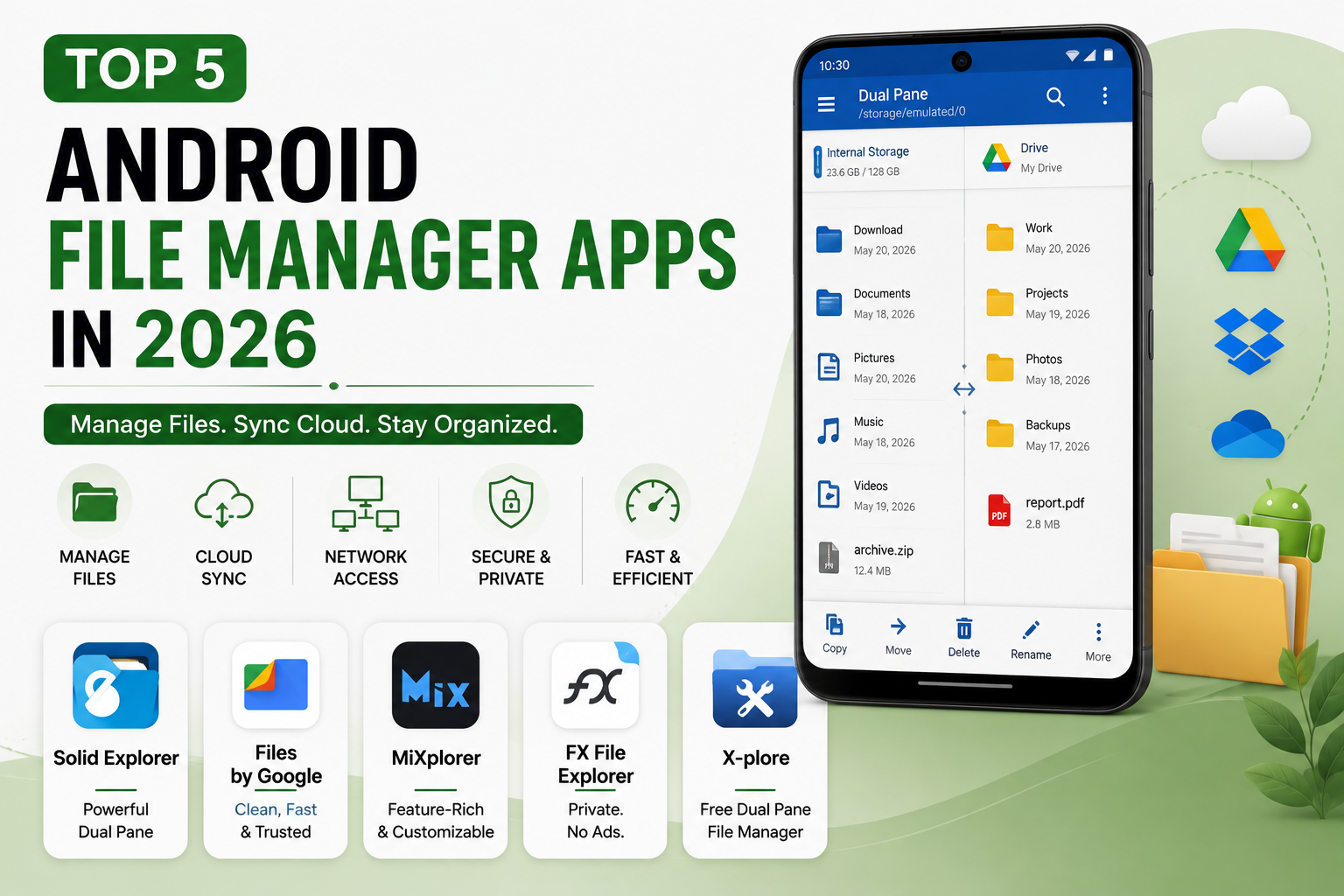
The default file manager bundled with most Android phones covers only the basics, and anyone who regularly moves files between local storage, cloud services, or a home network quickly runs into its limits. A mature ecosystem of third-party file managers has grown up to fill that gap, ranging from powerful dual-pane explorers built for serious file-moving workflows to clean, privacy-focused apps that simply do the basics without ads or unnecessary permissions. Here’s a look at the Android file managers worth knowing about this year, whether the goal is professional-grade cloud and network file management or a simple, trustworthy daily driver.
Solid Explorer

Solid Explorer remains widely regarded as the finest all-around file manager on Android, built around a genuinely efficient dual-pane interface that shows a source and destination side by side, making repeated file transfers noticeably faster than switching back and forth in a single-pane app. It supports a broad range of cloud services including Google Drive, OneDrive, and Dropbox, along with SMB and WebDAV network protocols, encrypted vaults for sensitive files, and fingerprint authentication to unlock protected folders. Available as a one-time purchase of roughly $2.99 to $3 after a 14-day free trial, with no ongoing subscription required, it remains one of the better values on the Play Store for anyone who moves files frequently enough to benefit from its dual-pane workflow.
Files by Google

Files by Google, developed directly by Google, remains the best starting point for casual users who want a clean, fast, and completely trustworthy file manager without needing to evaluate a third-party developer’s privacy practices. Beyond basic file browsing, it functions as a genuinely useful storage optimizer, using on-device machine learning to identify junk files, duplicates, and old downloaded APKs worth deleting, all analyzed locally so personal data never leaves the device. Its offline file-sharing feature, using Bluetooth or Wi-Fi Direct, works well for transferring files to another phone without needing an internet connection or a cloud intermediary, and the entire app remains completely free with no ads.
MiXplorer
MiXplorer has earned a reputation as a genuine hidden gem among power users and tech enthusiasts, offering an extraordinarily deep feature set, tabbed browsing, extensive plugin support for virtually every cloud service and codec, and root-level access, entirely free and without ads. Its one meaningful quirk is distribution: rather than being available on the Google Play Store, it’s distributed directly through the XDA Labs app or the developer’s official XDA Developers forum thread, which requires enabling installation from unknown sources in Android settings. For technically comfortable users willing to take that extra installation step, it remains one of the most capable free file managers available on the platform.
FX File Explorer
FX File Explorer distinguishes itself with unusually strong privacy claims, containing no advertisements and, according to its Google Play data-safety disclosure, collecting no data and sharing nothing with third parties, a rare combination in this category. Its free version handles local files, archive extraction, and a built-in text editor with reasonable polish, while the optional FX+ add-on unlocks cloud storage support, SMB and FTP network access, encrypted ZIP handling, and a media player capable of streaming video directly from a network location without downloading it first. Worth noting as a real tradeoff: its Play Store listing hasn’t seen a major update in some time, which doesn’t make the app unusable but is a meaningful difference from more actively maintained alternatives on this list.
X-plore File Manager

X-plore stands out as the only genuinely free file manager on this list offering a proper dual-pane interface in both portrait and landscape orientation, a feature Solid Explorer charges for and most free competitors skip entirely. It supports broad cloud and network protocol access alongside its dual-pane layout, making drag-and-drop transfers between two different cloud services or a cloud account and local storage particularly smooth. The free version includes ads, removable for a small one-time fee of around $2.49, positioning it as the strongest free alternative for anyone who specifically wants Solid Explorer’s dual-pane convenience without paying for it upfront.
Choosing among these five comes down mostly to how much file management complexity is actually needed day to day. Casual users who mostly just need to find a download or clear up storage space are well served by Files by Google’s simplicity and trustworthy Google backing, while anyone who regularly transfers files between multiple cloud services or a home network will get real value from Solid Explorer’s polished dual-pane workflow or X-plore’s free dual-pane alternative. Power users comfortable installing outside the Play Store should strongly consider MiXplorer for its sheer depth of features at no cost, and privacy-conscious users who want zero data collection and no ads should look closely at FX File Explorer’s free tier despite its less frequent update cadence.
Conclusion
A capable file manager remains one of the more underrated upgrades available to any Android user who regularly moves files around, whether that means managing cloud storage across multiple services or simply keeping local storage clean and organized. Whichever of these five ends up being the right fit, moving beyond a phone’s default, basic file manager tends to save real time for anyone whose file management needs go even slightly beyond opening the occasional downloaded PDF.