
Modern Android phones ship with reasonably capable battery management built in, but dedicated optimization apps can still offer genuinely useful insight into exactly which apps are draining your battery and how to extend charge cycles over the phone’s long-term lifespan. The best of these apps go beyond simply killing background apps, which is often counterproductive, and instead focus on identifying real culprits and encouraging healthier charging habits that protect battery longevity over years of use rather than just today’s screen time. A phone that still holds a solid charge after two or three years of ownership is often the result of small habits compounding rather than any single dramatic fix. Here are five Android battery optimization apps in 2026 worth trying if your phone’s battery life has started feeling disappointing.
AccuBattery
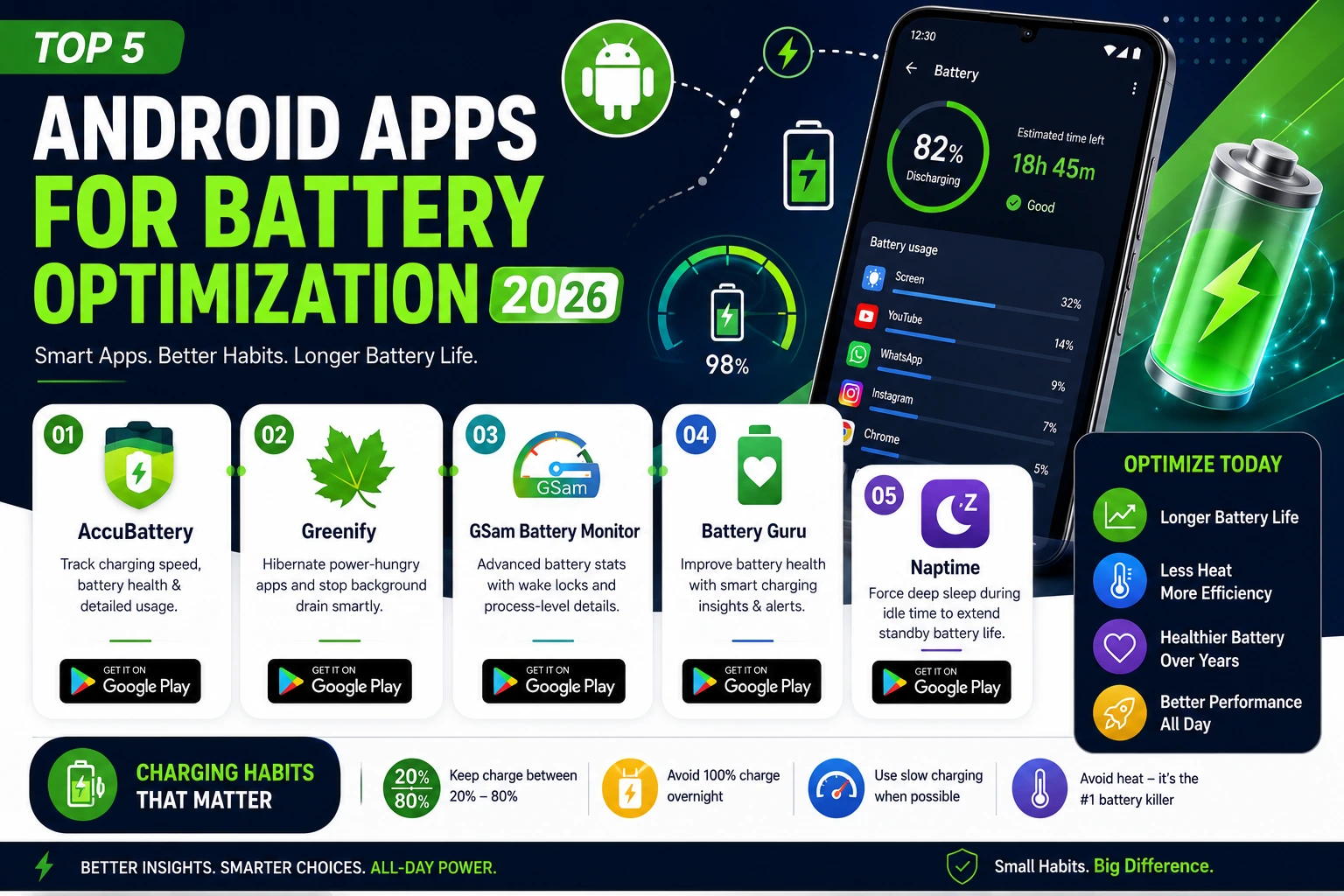
AccuBattery tracks charging speed, battery health degradation over time, and screen-on versus standby drain with genuinely detailed breakdowns, helping users understand not just what’s draining battery today but how charging habits are affecting long-term battery health across months of use.

Greenify
Greenify identifies apps running excessive background processes and hibernates them intelligently, targeting genuine battery drain culprits rather than indiscriminately killing every background app the way older, cruder battery savers used to, which often caused more problems than it solved.
GSam Battery Monitor
GSam offers some of the most detailed battery usage breakdowns available on Android, down to specific wake locks and process-level drain, appealing to power users who want genuinely granular diagnostic data rather than a simple summary of overall usage.
Battery Guru
Battery Guru focuses on charging habit education, alerting users when charging patterns might be accelerating long-term battery degradation and suggesting adjustments like avoiding consistently charging to 100% overnight, a habit many users don’t realize is quietly shortening their battery’s lifespan.
Naptime
Naptime forces the phone into a deep sleep state during idle periods more aggressively than Android’s default Doze mode, which can meaningfully extend standby battery life for users whose phone spends significant time sitting unused throughout a typical day.
Charging Habits Matter More Than Most People Realize
Modern lithium batteries degrade faster when kept consistently at 100% charge or allowed to drain to near 0%, so the healthiest long-term habit is generally keeping charge levels between roughly 20% and 80% when possible, rather than the common habit of charging fully overnight every single day. Fast charging, while convenient, also generates more heat than slower charging, and heat is one of the most significant accelerators of battery degradation over a phone’s lifespan, so occasionally using slower charging when time allows can genuinely help preserve battery health longer. None of the apps above can override basic battery chemistry, but the awareness and habit changes they encourage tend to meaningfully slow the gradual capacity loss every lithium battery experiences over years of regular use.
Battery optimization apps work best as a diagnostic tool and habit coach rather than a magic fix, identifying genuine problem apps and encouraging charging habits that protect long-term battery health rather than just chasing a few extra minutes of screen time today. Start with AccuBattery for genuinely useful charging insights, and add Greenify if background app drain turns out to be a real contributor to your specific battery complaints. Give any new charging habit a few weeks before judging its impact, battery health changes are gradual and rarely noticeable day to day.