
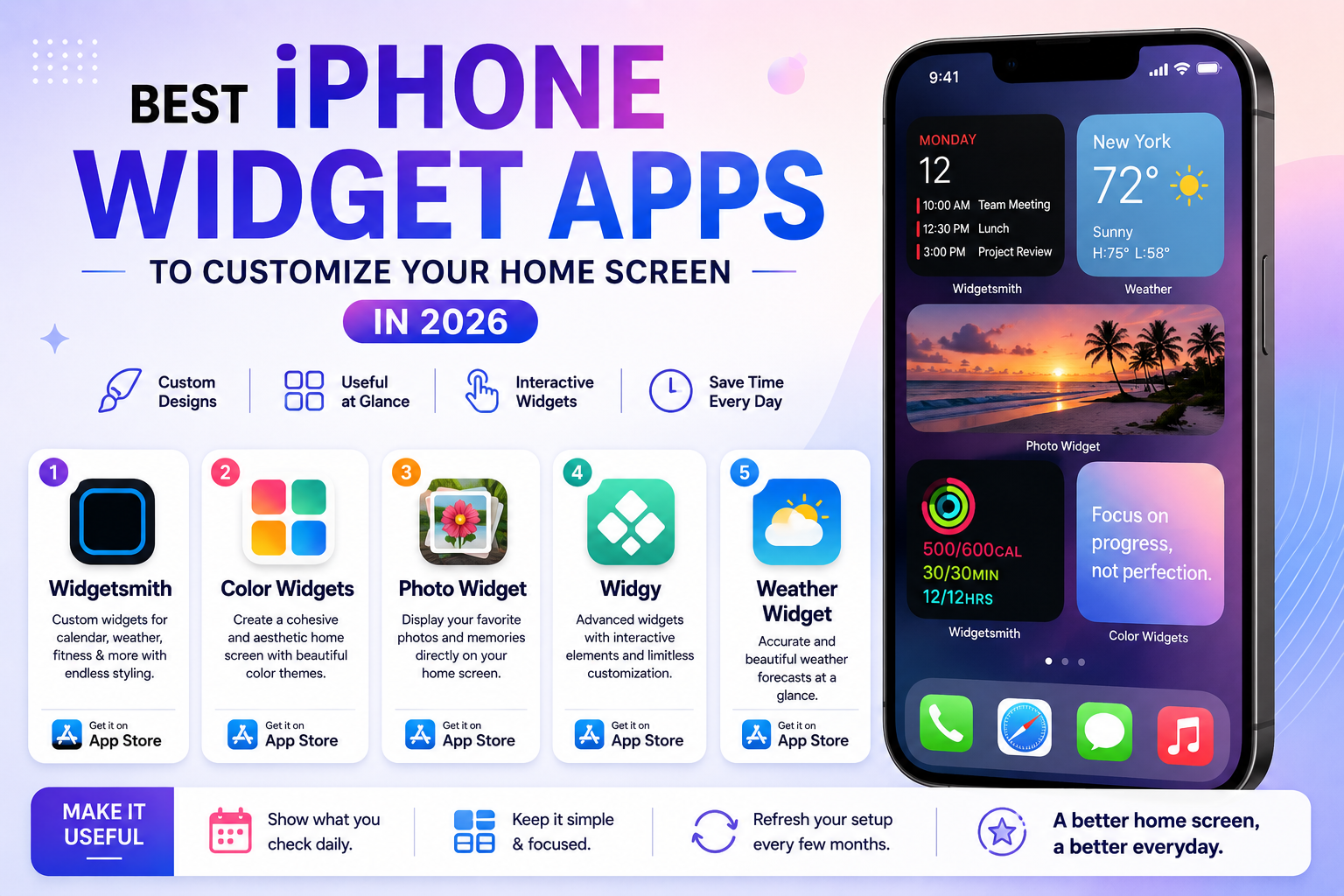
Apple’s widget system has matured considerably since its early, fairly limited introduction, and third-party widget apps have taken full advantage, letting users build home screens that show genuinely useful glanceable information rather than just rows of app icons. Beyond pure aesthetics, well-chosen widgets can meaningfully cut down on how often you need to actually open an app just to check something quick, like today’s schedule or the weather. Interactive widgets have also expanded what’s possible, letting users complete small actions directly from the home screen without opening the underlying app at all. Here are five iPhone widget apps in 2026 worth trying if your home screen has felt stale or purely functional for too long.
Widgetsmith
Widgetsmith remains the most popular widget customization app for good reason, offering deep control over calendars, weather, fitness stats, and more, with genuinely extensive styling options for colors, fonts, and layouts to match any aesthetic.
Color Widgets
Color Widgets focuses specifically on giving home screens a cohesive color palette, letting users build a genuinely polished, intentional-looking home screen rather than the mismatched default app icon grid most phones ship with.
Photo Widget: Simple Widgets
This app lets users display rotating personal photos directly on the home screen through a widget, turning a functional space into something genuinely more personal without needing to open a separate photos app.
Widgy
Widgy offers particularly advanced customization for power users, including interactive widget elements and more complex layout combinations than most competitors support, appealing to users who’ve outgrown simpler widget apps.
Weather Widget by WidgetKit
Dedicated weather widget apps focus purely on delivering genuinely accurate, visually clean forecast information at a glance, which matters for users who check weather constantly throughout the day and want it front and center on the home screen.
Building a Home Screen That’s Actually Useful, Not Just Pretty
It’s easy to get caught up purely in aesthetics when customizing a home screen, but the most genuinely useful widget setups prioritize information you actually check daily, calendar, weather, and maybe a habit tracker, over widgets that just look nice but rarely get glanced at in practice. Limiting yourself to one home screen page of widgets rather than spreading across several tends to keep the setup genuinely functional, since widgets buried on a rarely visited second or third screen provide little practical value regardless of how well-designed they look. It’s worth revisiting your widget setup every few months too, since what felt useful at one point, like a heavy focus on a specific fitness goal, often becomes less relevant as your daily routine and priorities shift over time. Treating the home screen as something worth periodically refreshing, rather than a one-time setup task, keeps it genuinely useful rather than gradually becoming ignored clutter. A quick five-minute refresh each season is usually enough to keep the whole setup feeling current and genuinely worth glancing at throughout the day.
A genuinely well-designed widget setup turns a home screen from a static grid of icons into something that actively saves time and adds a bit of personality to a device most people look at dozens of times a day. Start with Widgetsmith for the broadest functionality, and layer in Color Widgets or Photo Widget specifically if aesthetics matter as much to you as the practical information the widgets display. Spend a genuine ten minutes actually rearranging and testing different combinations rather than settling for the first layout that looks reasonable, small adjustments make a bigger difference than expected.