
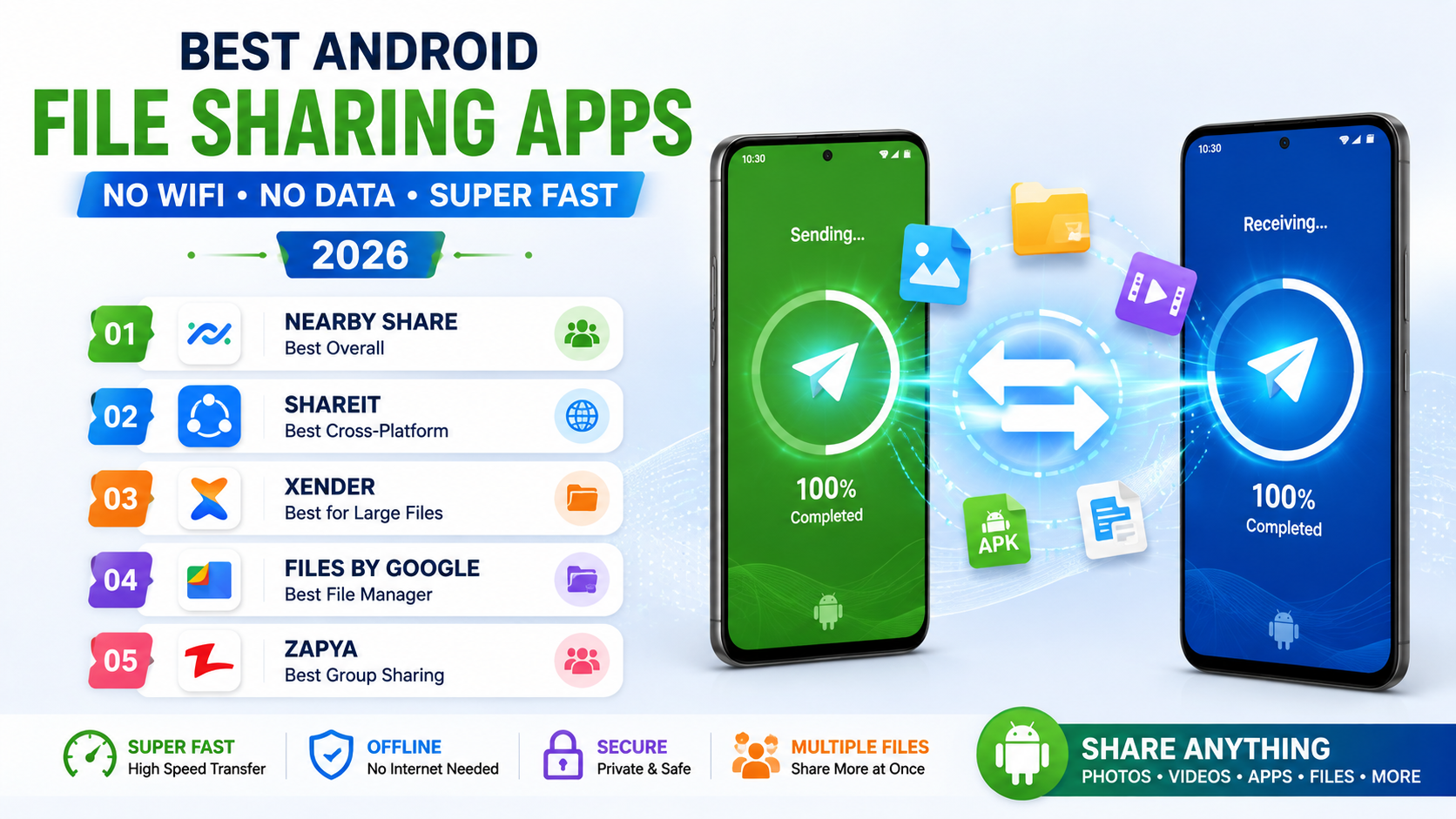
Moving a large file, a video, a big batch of photos, or an app installer, between two Android devices without a reliable wifi connection or wanting to burn through mobile data used to mean either emailing files in small pieces or resorting to a cable and a computer as an intermediary step. Direct device-to-device file transfer apps solve this by creating a genuinely fast local connection between two phones, moving even large files in seconds without touching mobile data or requiring an internet connection at all. Here are five Android apps worth having installed this year for genuinely fast file transfers anywhere, wifi or not. Most work reliably even in areas with no cellular coverage at all, since the connection happens directly between devices rather than through the internet.
Nearby Share
Nearby Share is Google’s own built-in file transfer feature, using a direct Bluetooth and WiFi Direct connection between devices to transfer files quickly without any additional app installation required on either device.
ShareIt
ShareIt offers genuinely fast cross-platform transfers, working between Android, iOS, and even Windows devices, appealing to users who regularly need to move files between different types of devices rather than just Android to Android.
Xender
Xender delivers genuinely reliable high-speed transfers with support for moving entire folders and apps at once, appealing to users who regularly need to transfer large batches of files rather than single items.
Files by Google
Files by Google combines genuinely useful storage cleanup tools with a built-in nearby file-sharing feature, appealing to users who want file management and transfer capability bundled into one app rather than separate tools.
Zapya
Zapya offers genuinely fast group transfer capability, letting one device share the same file with multiple other devices simultaneously, useful for sharing content across several phones at once rather than one transfer at a time.
The right app depends on whether transfers stay strictly within Android devices or need to cross platforms. Nearby Share is worth trying first since it requires no extra app installation and works reliably for straightforward Android-to-Android transfers. Users who regularly share files with iPhone or Windows-using friends and family specifically need ShareIt’s genuine cross-platform support rather than an Android-only tool. Xender’s folder and app transfer support suits users setting up a new phone who want to move an entire batch of content at once rather than file by file. Zapya’s group transfer feature is worth prioritizing specifically for sharing content across several devices simultaneously, like distributing event photos to an entire group at once rather than repeating the same transfer individually. It’s worth confirming both devices have the same app installed and open before attempting a transfer, since a surprising number of failed transfers simply come down to one side not being ready yet.
Direct device-to-device transfer removes the genuine hassle of routing a simple file share through email, cloud storage, or a cable, especially in situations where wifi or mobile data isn’t reliably available at all. Pick based on whether your transfers stay within Android or regularly cross to other platforms, and enjoy moving even large files in seconds rather than waiting on an upload and download through an internet connection that may not even be there. A direct transfer often finishes before a cloud upload would have even started, especially for the large video files phones increasingly fill up with by default.