
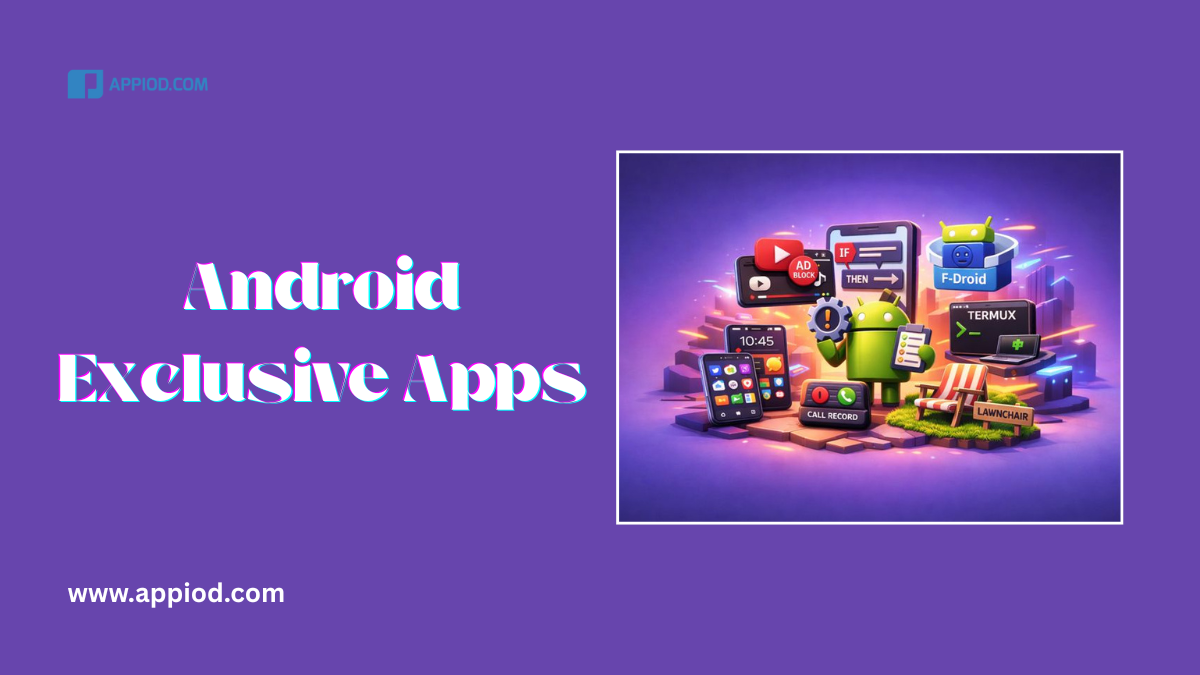
Platform wars generate endless debate, but certain genuinely useful Android exclusive apps don’t exist on iOS due to Apple’s restrictions or developer choices. Understanding what you’re missing helps Android users appreciate their platform advantages and informs iPhone users considering switches
After testing both platforms extensively for over two decades and working with developers across ecosystems, I’ve identified the most significant Android-only applications that showcase platform differences beyond hardware specifications
Tasker: Automation Without Limits
Tasker represents the pinnacle of mobile automation, enabling complex workflows impossible through Apple’s Shortcuts. This Android exclusive app turns phones into customizable personal assistants
What It Does: Create conditional automations based on location, time, app usage, battery level, sensor data, and hundreds of other triggers. Automate essentially any phone function without coding
Why It’s Android-Only: iOS’s security sandbox prevents apps from accessing system-level functions and other apps’ data. Apple’s Shortcuts offers surface-level automation compared to Tasker’s depth
Real-World Examples:
- Automatically silence phone during calendar events
- Launch specific apps when connecting to car Bluetooth
- Adjust screen brightness based on ambient light conditions
- Send auto-replies to messages when battery drops below 15%
Tasker pairs with plugins like AutoInput and AutoVoice, creating automation possibilities rivaling smart home systems. Power users build profiles managing their entire digital lives automatically
Vanced Manager (YouTube Vanced): Ad-Free YouTube

YouTube Vanced provided background playback, ad blocking, and premium features without subscriptions. While recently discontinued, alternatives like ReVanced continue this Android exclusive app tradition
What It Does: Watch YouTube without ads, enable background playback, enable picture-in-picture, force HDR, override video quality limits, and customize interface themes
Why It’s Android-Only: iOS’s strict app distribution and sandboxing prevents modified apps from running. Apple requires YouTube modifications to come through official App Store updates
Pricing: Free (requires manual installation)
YouTube Premium costs $11.99/monthly—Vanced-style apps save $143.88 annually while providing superior customization. This represents one of Android’s most significant practical advantages for media consumer
F-Droid: Open-Source App Store
F-Droid curates open-source Android apps without proprietary components, ads, or tracking. This alternative app store exemplifies Android exclusive apps philosophy around user freedom
What It Does: Discover privacy-focused alternatives to mainstream apps. All F-Droid apps respect user privacy, provide source code access, and avoid surveillance capitalism business models
Why It’s Android-Only: Apple prohibits alternative app stores on iOS. The company restricts app installation exclusively through official App Store, preventing F-Droid’s existence
Pricing: Free (all apps are open-source)
Notable F-Droid Apps:
- NewPipe – Privacy-respecting YouTube client
- Aegis – Open-source 2FA authentication
- Simple Mobile Tools – Ad-free system app alternatives
- Organic Maps – Offline maps without tracking
F-Droid represents philosophical differences between platforms—Android embraces open ecosystems while iOS prioritizes controlled, curated experiences
Termux: Full Linux Terminal
Termux provides complete Linux environment on Android without rooting. Developers and power users run Python, Node.js, Git, and server software directly on smartphones
What It Does: Execute Linux commands, run development environments, host local servers, automate workflows through shell scripts, and access package managers like apt
Why It’s Android-Only: iOS prohibits interpreters, compilers, and arbitrary code execution. Apple restricts development tools to approved sandboxed environments, preventing terminal emulator functionality
Pricing: Free (open-source)
Developer Use Cases:
- Edit code and push to GitHub from phone
- Run Python scripts for automation
- Test web applications locally
- SSH into remote servers
- Execute system administration tasks
Termux transforms Android phones into legitimate productivity tools for developers. Compare with productivity apps to understand how different users optimize their workflows
Smart Launcher: True Home Screen Customization

Smart Launcher completely replaces Android’s home screen with customizable interfaces. This Android exclusive app demonstrates platform flexibility
What It Does: Redesign every aspect of your home screen—app icons, gestures, folder behaviors, widget layouts, and animations. Create entirely unique phone experiences
Why It’s Android-Only: iOS prevents replacing system launchers. iPhone users can customize widgets and app icon images through Shortcuts, but can’t change fundamental interface behaviors
Pricing: Free with $6.99 Premium unlock
Customization Options:
- Automatic app categorization
- Custom gesture controls
- Adaptive icon packs
- Hidden app drawers
- Theme engines
Launcher apps like Smart Launcher, Nova, and Action Launcher give Android users interface control impossible on iOS. For widget enthusiasts who enjoyed our iOS widget guide, Android launchers provide significantly more flexibility
Call Recorder: Legal Recording Options
Various call recording apps exist for Android in jurisdictions where recording is legal. iOS previously offered this functionality but removed it due to legal complexities across regions
What They Do: Record incoming and outgoing calls automatically or manually, useful for business documentation, journalism, and legal purposes
Why They’re Android-Only: Apple removed call recording API access citing privacy and legal concerns. iOS users must use external hardware or third-party services for call recording
Pricing: Varies ($0-$4.99 typically)
Important Note: Call recording legality varies by jurisdiction. Many regions require all-party consent. These Android exclusive apps work technically but users bear legal responsibility for compliant us
Lawnchair: Pixel Experience Without Pixels
Lawnchair recreates Google Pixel’s launcher experience on any Android device. This open-source launcher brings premium phone features to budget devices
What It Does: Provides Pixel launcher aesthetics and functionality including app suggestions, Google Feed integration, icon pack support, and gesture navigation
Why It’s Android-Only: Fundamental launcher replacement remains impossible on iOS due to system restrictions preventing third-party home screen replacements
Pricing: Free (open-source)
Lawnchair demonstrates Android’s democratization philosophy—premium experiences aren’t locked to expensive hardware. Budget phone users access flagship features through software alone
Understanding Android Exclusive Apps Advantages
Platform Philosophy Differences:
Android: Open ecosystem prioritizing user choice and customization. Google allows system-level modifications, alternative app stores, and deep automation
iOS: Curated ecosystem prioritizing security and consistency. Apple restricts system access ensuring app quality but limiting power user capabilities
Neither approach is objectively superior—they serve different user priorities. iPhone users gain security and simplicity but sacrifice customization depth. Android users access powerful tools but accept increased complexity
When considering platform switches, evaluate whether Android exclusive apps like Tasker, YouTube Vanced alternatives, or Termux align with your workflow. For casual users, iOS restrictions rarely matter. Power users and developers may find Android’s openness essential
For users managing storage on Android, these platform-exclusive capabilities often require understanding deeper system settings unavailable on iOS
Bottom Line:
Android exclusive apps represent meaningful platform advantages for specific user types—developers, power users, customization enthusiasts, and privacy advocates. These apps exist because Android’s open philosophy enables capabilities Apple’s closed ecosystem prevents
iPhone users shouldn’t feel they’re missing out unless specific use cases require these tools. Most users never utilize system-level automation or custom launchers. However, for those who do, Android’s flexibility becomes non-negotiable
When transferring between platforms, research whether apps critical to your workflow exist on the destination platform. Some Android advantages like Tasker automation lack true iOS equivalents