
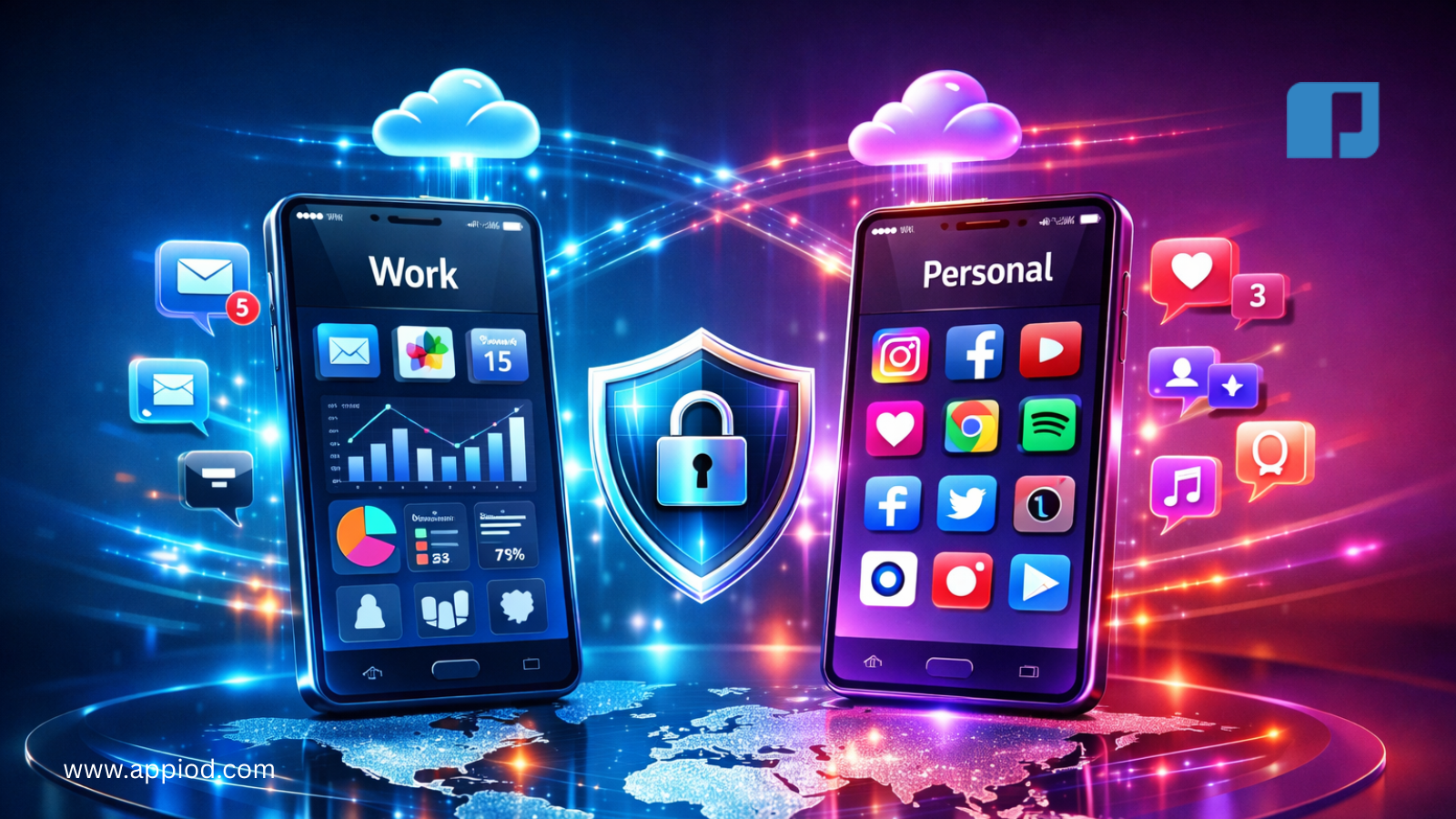
Carrying two smartphones seems excessive until you understand the practical reasons professionals, privacy advocates, and international travelers adopt dual-phone lifestyles. Learning how to use two phones efficiently transforms potential inconvenience into strategic advantage for work-life separation, international connectivity, and enhanced privacy.
After two decades consulting with mobile professionals and testing various dual-phone configurations, I’ve identified proven strategies maximizing the benefits while minimizing the complications of managing multiple devices simultaneously
Why People Choose to Use Two Phones
Work-Life Separation: The most common reason professionals adopt dual-phone setups involves maintaining clear boundaries between personal and professional lives. Carrying separate devices enables complete disconnection from work communications during personal time without missing important personal messages.
Unlike dual-SIM phones or work profiles on single devices, separate physical phones create psychological boundaries reinforcing work-life balance. When you leave the office, you leave the work phone—creating spatial and temporal separation impossible to achieve with software solutions alone.
Privacy and Security: Privacy-conscious users maintain a “burner” or secondary phone for situations requiring anonymity. Dating apps, online marketplaces, and situations where you prefer not sharing your primary number benefit from dedicated secondary devices you can disable or replace easily.
Security professionals and journalists often maintain separate devices for sensitive communications, ensuring personal device compromise doesn’t expose confidential sources or secure work communications.
International Travel: Frequent international travelers benefit from maintaining a local SIM in one phone while keeping their primary number active in another. This eliminates expensive roaming charges while maintaining accessibility on your primary number through WiFi calling.
Platform Flexibility: Tech enthusiasts and developers often carry both iOS and Android devices to understand both ecosystems, test applications across platforms, and access platform-exclusive apps. Some Android exclusive apps and iOS-specific features make cross-platform usage valuable
Strategic Approaches for How to Use Two Phones
The Primary-Secondary Model:
Most dual-phone users adopt a primary-secondary hierarchy rather than treating devices equally.
Primary Phone Configuration:
- Personal communication (friends, family)
- Banking and financial apps
- Primary email accounts
- Social media personal accounts
- Photos and media library
- Personal productivity apps like Notion or ClickUp
Secondary Phone Configuration:
- Work communications (email, Slack, Teams)
- Professional social media accounts
- Work-related productivity apps
- Separate cloud storage for work files
- Industry-specific applications
This model creates clear psychological separation—when you’re not working, the secondary phone stays in your bag or at your desk, preventing work intrusions into personal time
The Geographic Model:
International travelers and digital nomads often split phones geographically:
Home Country Phone:
- Original carrier and phone number
- Banking apps (often region-locked)
- Government services and identification apps
- Home country streaming services
- Emergency contacts
Travel/Local Phone:
- Local SIM card for current location
- Navigation and local service apps
- Travel booking applications
- Temporary local accounts
- Disposable services
This approach maintains access to region-specific services while enjoying local rates for data and calls in your current location.
The Privacy-Focus Model:
Security-conscious users dedicate one phone to high-privacy communications:
Secure Phone:
- Encrypted messaging (Signal, Wire)
- Secure email (ProtonMail, Tutanota)
- VPN always-on
- Minimal app installation
- No cloud backup
- Regular factory resets
Daily Driver:
- Standard apps and services
- Social media
- Entertainment and games
- General browsing
- Convenience apps
This model isolates sensitive communications from the digital exhaust inevitable with daily smartphone use.
Practical Tips for Managing Two Phones Daily
Syncing Contacts Strategically:
Avoid syncing all contacts to both phones—this defeats separation purposes. Instead:
- Use Google Contacts with labels for work/personal
- Sync only relevant contacts to each device
- Maintain separate contact lists for different contexts
- Use contact management apps for cross-device access
Calendar Management:
Option 1: Unified Calendar Sync a single calendar across both devices showing all commitments while maintaining separate communication channels.
Option 2: Separate Calendars Maintain distinct work and personal calendars that don’t synchronize, creating complete separation.
Option 3: Hybrid Approach Share calendar free/busy information without exposing event details, allowing scheduling coordination without privacy compromise.
Most professionals prefer the hybrid approach—work colleagues see when you’re busy without accessing personal appointment details.
Messaging Consolidation:
Managing messages across two phones creates complexity unless you establish clear protocols:
For Work-Life Separation:
- Use different messaging apps on each phone when possible
- Enable read receipts only on primary phone
- Set status messages on work phone during off-hours
- Use auto-responders to manage expectations
For Travel Setup:
- Forward important messages between devices
- Use web-based messaging when available
- Maintain one device on airplane mode when not needed
- Use WiFi calling to keep both numbers accessible
Notification Management:
Notifications across two phones quickly become overwhelming. Strategic management preserves sanity:
Primary Phone:
- Enable all personal notifications
- Use Do Not Disturb during work hours
- Prioritize contacts with custom notifications
- Allow critical app notifications only
Secondary Phone:
- Aggressive Do Not Disturb scheduling
- Only urgent work contacts get notification exceptions
- Batch-check apps rather than immediate notifications
- Completely disable outside work hours
Technical Considerations When You Use Two Phones
Battery Management:
Carrying two phones means managing two batteries. Strategies for avoiding mid-day power depletion:
- Invest in quality dual-charging solutions
- Keep portable battery bank rated for two phones
- Learn each device’s battery optimization settings
- Enable battery saver modes proactively rather than reactively
- Consider phones with excellent battery life for your secondary device
Cloud Storage Coordination:
Managing photos, documents, and backups across two devices requires systematic approaches:
Separate Cloud Accounts:
- Maintain distinct Google/iCloud accounts for each phone
- Clear separation between work and personal data
- Simpler privacy management
- Higher subscription costs
Unified Cloud Storage:
- Use service like Dropbox or OneDrive across both devices
- Folder organization separates contexts
- Single subscription cost
- Requires disciplined file management
Data Transfer Between Devices:
Quick Transfers:
- AirDrop between iOS devices
- Nearby Share between Android devices
- Cross-platform: Email, cloud storage, or apps like Send Anywhere
Regular Syncing:
- Cloud services for documents and photos
- Contact and calendar sync through Google/iCloud
- Password managers like 1Password or Bitwarden work across devices
Physical Management:
Carrying Solutions:
- Dual-phone cases and holders
- Separate pockets for each device (establish consistent placement)
- Color-coded cases for instant recognition
- Different notification sounds/vibration patterns
Charging Setup:
- Dual wireless charging pad on nightstand
- Separate charging locations reinforcing device purposes
- Car charging for both devices
- Portable battery solutions
When Two Phones Make Sense vs. Alternatives
Two Phones Are Ideal When:
- Company provides work device with management restrictions
- You need absolute work-life separation
- International travel is frequent
- Privacy concerns are paramount
- You develop for both iOS and Android platforms
Consider Alternatives When:
- Budget constrains buying second device
- Physical carrying becomes burdensome
- You primarily need second number, not second device
- Management complexity outweighs benefits
Alternative Solutions:
Dual-SIM Phones: Modern smartphones support eSIM plus physical SIM, providing two numbers on one device. Recent iPhone models and most Android flagships support this configuration.
Work Profiles: Android’s work profile feature creates separate encrypted space on single device with distinct apps and data. IT departments can manage work profiles without accessing personal data.
Virtual Numbers: Services like Google Voice, Hushed, or Burner provide additional numbers without requiring second devices.
Common Challenges and Solutions
Social Awkwardness: Explaining why you carry two phones sometimes creates awkward conversations. Simple explanation: “One’s for work, one’s personal” suffices without detailed justification.
Emergency Contact Access: Ensure emergency contacts can reach you on either number. List both numbers in emergency medical information and with close family members.
App Subscription Management: Some apps charge per device rather than per account. Budget accordingly or choose apps offering multi-device licenses.
Decision Fatigue: Initially, deciding which phone to use for specific tasks creates mental load. Establishing consistent rules eliminates this friction—work communications always work phone, personal always personal phone, no exceptions.
The Bottom Line on How to Use Two Phones
Learning how to use two phones effectively transforms potential frustration into strategic advantage. The key lies in establishing clear protocols from the beginning rather than letting dual-device chaos emerge organically.
Start by defining your primary reason for dual phones—work separation, travel needs, or privacy concerns—then design your system around that core purpose. Resist temptation to blur boundaries that undermine your original motivation.
For most professionals, the primary-secondary model with work-life separation delivers maximum benefit. Clear temporal and spatial boundaries between devices reinforce healthy work-life balance while maintaining professional accessibility during appropriate hours.
Implementation Checklist:
- Define primary purpose for second phone
- Establish clear device hierarchy
- Configure notifications appropriately
- Set up cloud storage strategy
- Invest in quality charging solutions
- Create physical carrying solution
- Communicate boundaries to contacts
- Regular review and optimization
When managed thoughtfully, using two phones enhances productivity and well-being rather than creating additional complexity. The investment in a secondary device and the discipline to maintain separation pays dividends in reduced stress, improved focus, and better work-life boundaries