
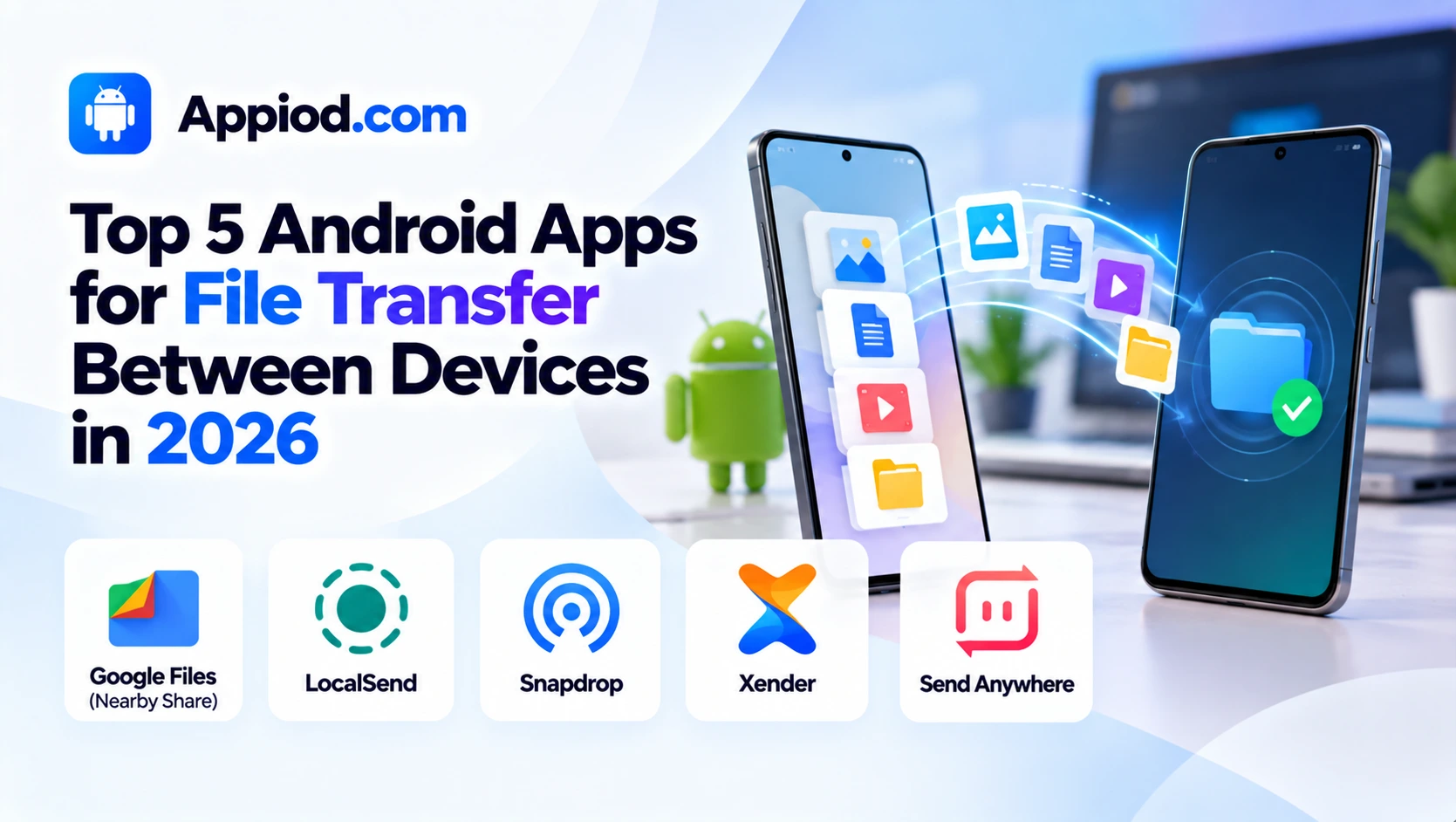
Moving a file between two nearby devices shouldn’t require a cable, a cloud upload, or emailing something to yourself, and a strong lineup of apps has grown up specifically to make direct, local file transfer fast and genuinely reliable. It’s worth being upfront about one real consideration in this category: some older, once-popular file transfer apps have faced genuine privacy and security concerns over the years, making it worth sticking with actively maintained, well-reviewed options rather than an older app that hasn’t kept pace with security best practices. Here’s a look at what’s worth using this year.
Google Files (Nearby Share)
Google Files, with its built-in Nearby Share feature, remains the safest default for Android-to-Android transfers, using Google’s own peer-to-peer protocol to send files directly between nearby devices without needing a third-party app installed on either end. Its deep integration with Android’s system-level sharing menu means a file can be sent directly from virtually any app’s share sheet, and its offline capability means transfers work without an internet connection as long as both devices have Bluetooth or Wi-Fi enabled. For most everyday Android-to-Android transfers, its native integration and genuine security backing from Google make it the obvious first choice before reaching for a third-party alternative.

LocalSend
LocalSend has emerged as the strongest cross-platform, open-source option, letting users transfer files between Android, iOS, Windows, Mac, and Linux devices over a shared local network without requiring any account, cloud service, or internet connection at all. Its fully open-source codebase gives genuinely security-conscious users the ability to verify exactly how the app handles data, a real transparency advantage over closed-source alternatives. For households or offices with a genuine mix of device types needing to transfer files locally without any cloud dependency, it remains one of the most trustworthy, actively maintained options available.
Snapdrop
Snapdrop offers a genuinely clever browser-based approach, requiring no app installation at all since it runs entirely as a web page that detects other nearby devices also visiting the same site on the same local network, inspired directly by Apple’s AirDrop concept but built to work across any device with a web browser. This zero-installation approach makes it particularly useful for a one-time transfer to someone else’s device where installing a new app isn’t practical or wanted. For quick, occasional transfers where installing a dedicated app feels like overkill, its browser-only design remains a genuinely convenient option.
Xender
Xender remains a widely used cross-platform file transfer app supporting Android, iOS, and Windows, offering genuinely fast local transfer speeds using a direct Wi-Fi connection between devices rather than routing data through the internet. Its broad platform support and large existing user base make it a practical choice for transferring files to and from a wide range of device types a household or workplace might have. As with any app requesting broad device permissions, it’s worth reviewing exactly what access is being granted during setup and keeping the app updated to its latest version for the most current security patches.

Send Anywhere
Send Anywhere solves a genuinely different problem than purely local transfer tools, using a six-digit key system that lets files be sent to a device that isn’t on the same local network at all, routing the transfer through the internet rather than requiring physical proximity. This makes it a useful complement to a purely local-network tool like LocalSend specifically for situations where the recipient’s device is somewhere else entirely, not simply across the same room or office. For transfers where the recipient genuinely isn’t nearby, it fills a gap that local-network-only transfer apps can’t address at all.
Choosing between these five comes down mostly to device mix and whether both devices are actually on the same local network. Android-to-Android transfers should default to Google Files’ native Nearby Share feature first, since it requires no additional app and carries Google’s direct security backing. Households or offices with a genuine mix of device types needing local, cloud-free transfer should prioritize LocalSend’s open-source, cross-platform reliability, and one-time transfers to someone else’s device where installing an app isn’t practical should use Snapdrop’s browser-only approach instead. Xender remains a reasonable cross-platform choice with the usual caveat of reviewing app permissions carefully, and anyone transferring to a device that isn’t physically nearby should use Send Anywhere’s internet-routed key system instead of a local-only tool.
Conclusion
Moving files between devices has become considerably faster and more reliable than emailing something to yourself or fumbling with a cable, thanks to a mature ecosystem of local and cross-platform transfer tools. Whichever of these five ends up fitting a specific device mix and proximity situation, the underlying payoff remains the same: getting a file from one device to another in seconds, without cloud uploads or unnecessary detours.