
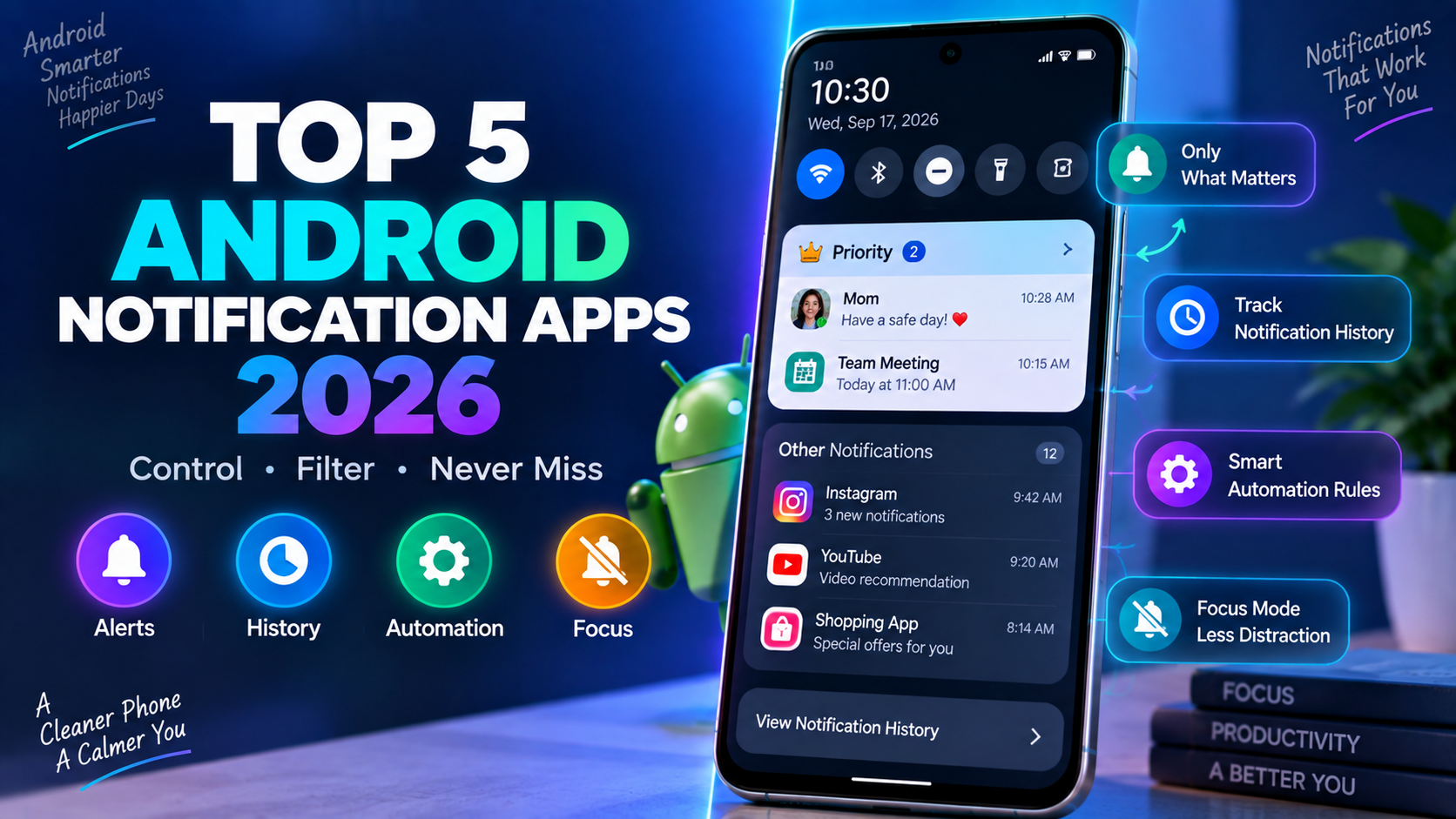
The average phone genuinely buries an important alert, a text from a specific family member, a calendar reminder, under dozens of notifications that don’t actually matter in the moment, and Android’s genuinely open notification system has given rise to a strong ecosystem of tools built specifically to fix that. Rather than choosing between all notifications or none, these apps let users build genuinely granular rules about which alerts actually deserve attention and when. Here’s a look at what’s worth using this year.
Android Native Notification Settings
Android’s built-in notification management, accessible directly through system settings, has grown genuinely sophisticated over recent versions, letting users control notification importance, silence specific channels within a single app rather than muting the entire app, and set up conversation-level priority for specific contacts across supported messaging apps. Its native Do Not Disturb mode supports genuinely granular exception rules, allowing calls or messages from starred contacts through while silencing everything else, and scheduled automatic activation removes the need to manually toggle it at the same time every night. For most users whose notification frustration is fairly moderate, the native tools now cover a genuinely large share of what used to require a third-party app entirely.
Notification Bell
Notification Bell offers genuinely deep customization over how a notification actually announces itself, letting users assign specific LED colors, vibration patterns, and sounds to individual apps or even individual contacts within a single app, going considerably further than Android’s native per-app sound customization alone. This granular control matters specifically for users who want to distinguish between notification types by feel and sound alone, glancing at a phone’s LED color to know instantly whether an alert is worth checking immediately or can wait, without needing to unlock the device at all. For anyone who wants this level of sensory customization over their notification experience, it remains one of the most detailed tools available.
Notif Log
Notif Log solves a genuinely common frustration, a notification that disappeared before it could be read, by maintaining a searchable history log of every notification that’s appeared on the device, letting users scroll back and recover a dismissed alert rather than losing it entirely. This history-first approach appeals specifically to users who’ve experienced the frustration of accidentally swiping away an important notification before actually reading it, giving a reliable safety net that Android’s native recent notifications drawer doesn’t always cover comprehensively. For anyone who has ever lost an important alert to an accidental swipe, it addresses a specific, genuinely common pain point directly.
AutoNotification
AutoNotification lets users build genuinely conditional notification rules based on device state, time of day, location, or even battery level, automatically silencing or redirecting specific app notifications based on context rather than requiring manual toggling for every different situation throughout a day. This context-aware approach matters specifically for users whose notification needs genuinely change depending on circumstance, silencing work notifications automatically after a certain hour, or muting social media alerts specifically while at a particular location like a gym or workplace. For power users who want their notification behavior to adapt automatically to changing context, it remains one of the more sophisticated rule-based tools available.
Notification History Log
Notification History Log provides a comprehensive, searchable archive of past notifications organized by app, letting users review what was received from a specific app over a chosen time period rather than only seeing the most recent handful of alerts. Its filtering and search capability makes it genuinely useful for reconstructing a timeline of communications from a specific contact or app, a capability that matters for anyone who occasionally needs to reference exactly when a specific alert actually arrived rather than relying on memory alone. For users who want a genuinely thorough, long-term notification archive beyond what Android’s native history provides, it remains a strong, focused option.
Choosing between these five comes down mostly to what specific notification frustration is actually being solved. Users with a fairly moderate notification problem should start with Android’s own native settings, since recent versions have closed much of the gap that used to require a third-party app entirely. Anyone who wants to distinguish notification types by sound and LED alone without unlocking their phone should add Notification Bell’s granular customization, while users who’ve lost an important alert to an accidental swipe should prioritize Notif Log’s recovery-focused history. Power users whose notification needs change based on time, location, or context should invest in AutoNotification’s conditional rule-building, and anyone who needs a genuinely thorough long-term archive should add Notification History Log to their setup.
Conclusion
Taking real control over a chaotic notification stream has become considerably more achievable than simply muting everything or tolerating constant interruption, thanks to Android’s genuinely open notification system and a mature ecosystem of tools built around it. Whichever of these five ends up fitting a specific notification frustration, the underlying payoff remains the same: a phone that surfaces what actually matters and quietly handles the rest.