
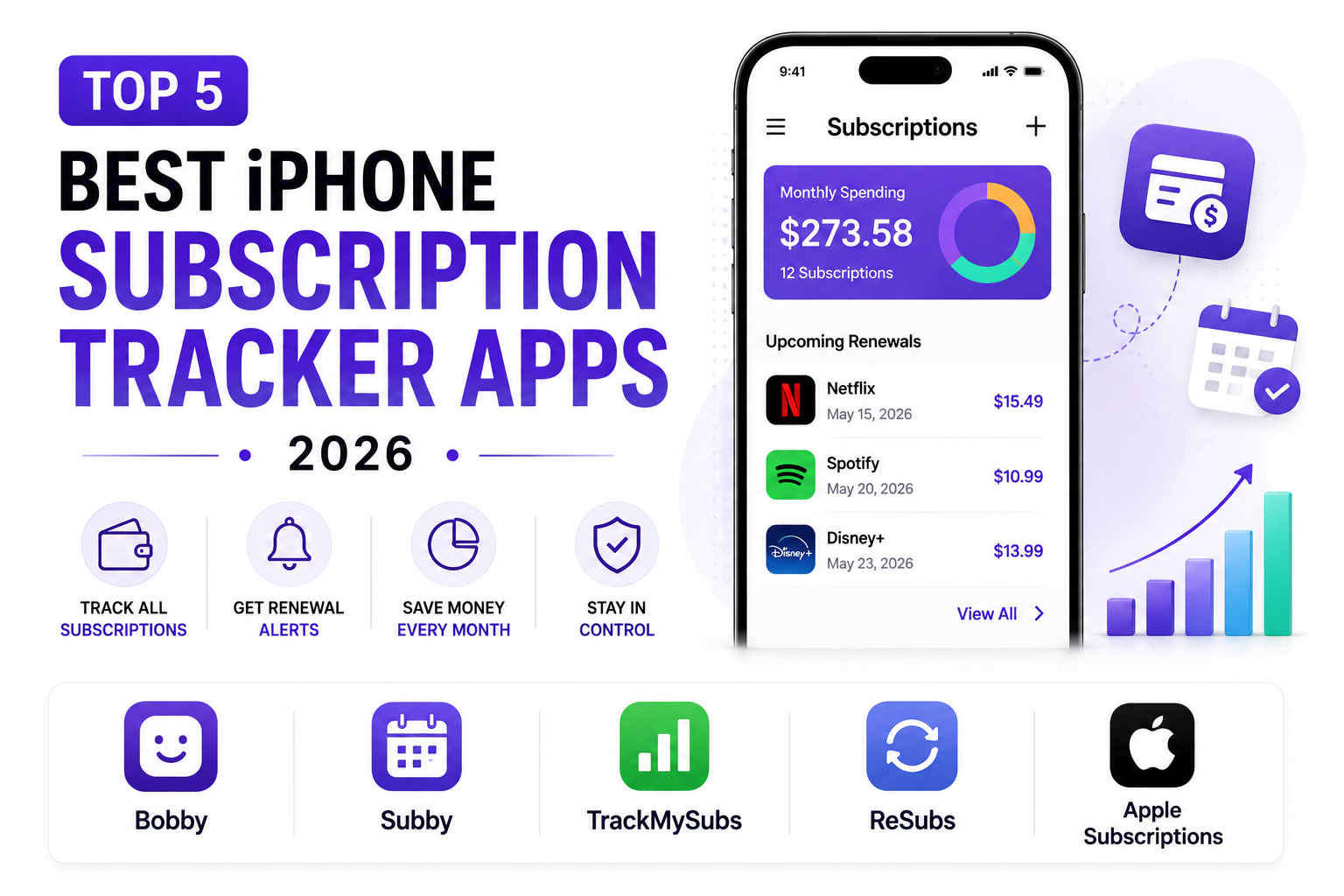
The average household now spends roughly $273 a month on subscriptions and typically can’t recall a third of the charges making up that total, according to research cited across multiple 2026 subscription-tracking studies, a gap that costs real money every single month in forgotten trials and unused services nobody ever got around to canceling. A dedicated subscription tracker closes that gap by surfacing every recurring charge in one place, whether that means linking a bank account for automatic detection or simply logging each subscription manually for anyone who’d rather not connect financial accounts to a third-party app. Here are five iPhone apps worth knowing for finally getting a real handle on recurring spending in 2026.
Bobby
Bobby remains the most visually polished purely manual subscription tracker built specifically for iPhone, letting users add subscriptions from an extensive existing library of services or create fully custom entries, with a clean interface showing total daily, weekly, monthly, and yearly costs at a glance using color-coded icons for each service. Because it never connects to a bank account, it appeals specifically to privacy-conscious users who would rather not grant a third-party app access to their full transaction history just to track recurring bills. Its scope is deliberately narrow, reminders and cost visibility rather than budgeting, bank sync, or bill negotiation, which fits users who want a dedicated, low-friction subscription list rather than a broader financial management tool.
Subby
Subby splits the difference between a purely manual tracker like Bobby and a fuller finance app, offering manual subscription entry with iCloud sync across devices, home screen widgets, family sharing support, and notification options that reviewers consistently note outperform Apple’s own native subscription reminders. Priced at $1.99 a month or $14.99 annually, it remains fully private with no bank connection required, and its App Store privacy label reflects genuinely minimal data collection, a real point of differentiation for users specifically concerned about financial data privacy. Its widget and family-sharing support make it a particularly strong fit for households that want shared visibility into recurring charges across multiple family members’ subscriptions.
TrackMySubs
TrackMySubs is built for users and small teams managing a genuinely larger list of recurring charges than a typical household, offering folders, tags, multiple alert recipients, CSV export tools, and multi-user plan support that go well beyond what a simple personal reminder app like Bobby or Subby is designed to handle. Its free plan covers a meaningful number of tracked subscriptions before requiring an upgrade, making it accessible for testing before committing to a paid tier. For power users juggling software subscriptions across a household, a small business, or a freelance operation with dozens of recurring charges to track, its more robust organizational tooling tends to hold up better than a purely consumer-focused subscription app.
ReSubs
ReSubs positions itself as a dedicated, privacy-first subscription tracker with genuine cross-platform support, appealing to users who specifically want a tool built for subscription tracking alone rather than subscriptions bundled as one feature within a broader budgeting app. It tracks trial periods, renewal dates, and multi-currency subscriptions without requiring bank account access, which matters for users managing services billed in different currencies who still want to avoid linking financial accounts to a third-party service. For anyone who has outgrown a purely manual list-style app but doesn’t want the privacy tradeoff of a bank-linked budgeting app, it offers a genuine middle ground built specifically around the subscription-tracking use case.
The clearest way to choose among these is by privacy preference and subscription volume rather than picking based on feature count alone. Users with a modest, straightforward list of subscriptions who specifically want to avoid connecting a bank account should start with Bobby for its simplicity or Subby for its added widget and family-sharing support. Anyone managing a genuinely large or complex list of recurring charges, across a household, freelance business, or small team, will outgrow a simple list app quickly and should look toward TrackMySubs or ReSubs for their deeper organizational tooling. It’s also worth combining any of these apps with Apple’s own built-in subscription screen under Settings, since no single third-party tracker can see App Store subscriptions and externally billed services with equal completeness.
Conclusion
Getting a genuine handle on recurring spending starts with actually seeing every charge in one place, and 2026’s subscription tracker apps make that considerably easier without necessarily requiring a household to hand over full bank account access just to do it. Whichever of these five ends up being the right fit, the payoff tends to be immediate: most people who finally audit their full subscription list find at least one forgotten charge worth canceling on the very first pass.