
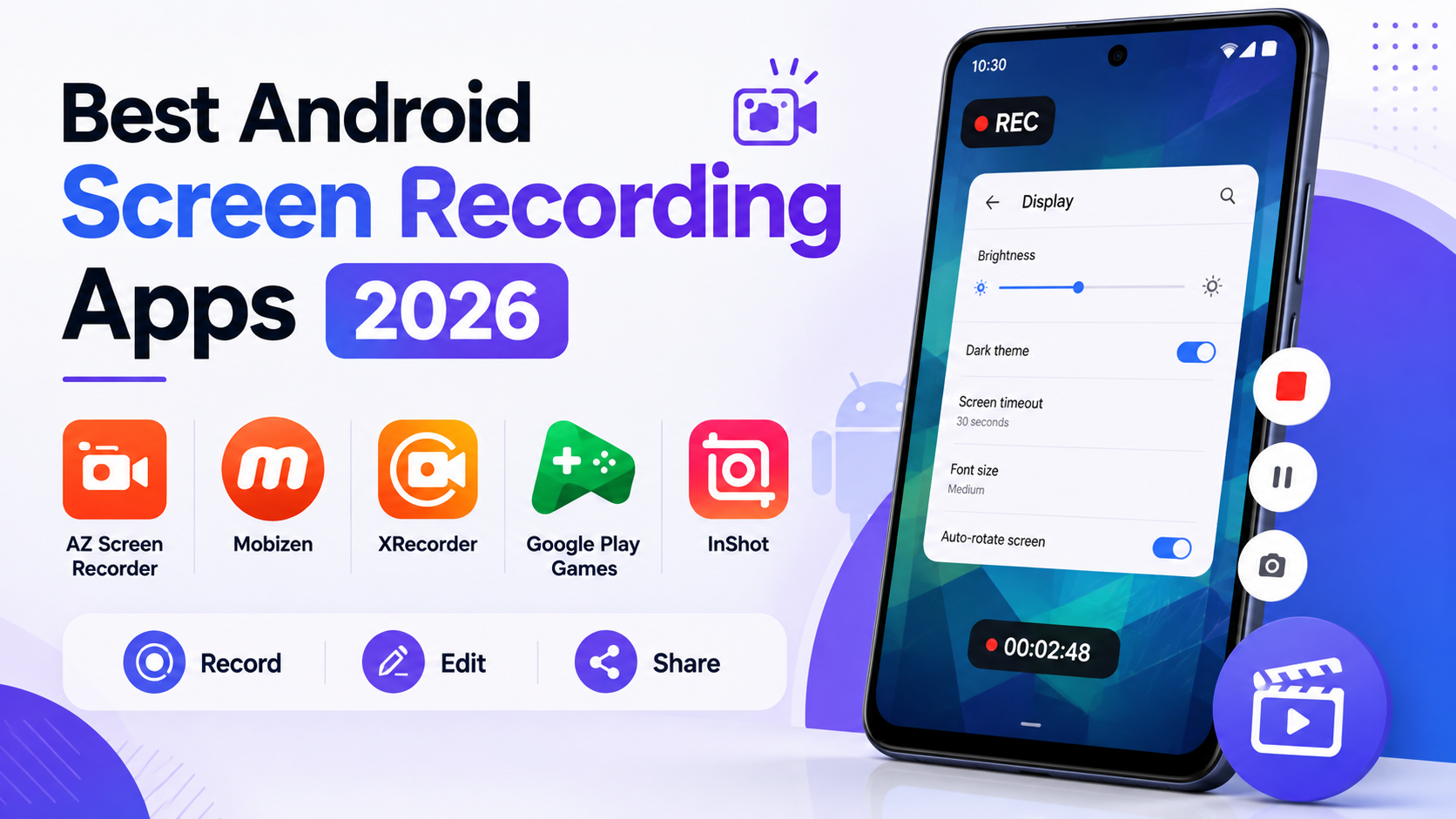
Explaining a specific process on a phone, troubleshooting a setting for a family member or walking a customer through an app’s feature, genuinely works far better as a recorded screen capture than a verbal description over a call. Screen recording apps built for Android have gotten considerably better at capturing genuinely clear video directly from a phone, often with built-in editing and annotation tools that remove the need to transfer footage to a computer for basic cleanup. Here are five Android apps worth using this year for genuinely clear screen recordings and tutorials. Most also support recording internal audio alongside the screen capture, useful for tutorials involving an app’s own sound effects or notifications that a microphone alone wouldn’t pick up cleanly. Several also let a creator add simple text callouts or arrows directly during recording, highlighting exactly what to look at without needing separate editing software afterward.
AZ Screen Recorder

AZ Screen Recorder offers genuinely reliable high-quality recording with basic built-in editing tools, appealing to users who want a straightforward, dependable option without a complicated setup process.
Mobizen

Mobizen combines genuinely solid screen recording with facecam overlay support, letting creators show their own reaction or explanation alongside the captured screen content for more engaging tutorials.
🔗 Download on Play Store | www.mobizen.com
XRecorder

XRecorder provides genuinely simple, no-frills screen recording with reliable performance across a wide range of Android device models, appealing to users prioritizing dependability over advanced features.
Google Play Games (Built-In Recording)
Google Play Games’ built-in recording feature offers a genuinely convenient no-extra-app option specifically for capturing mobile gaming footage directly within the platform many gamers already use.
Screen Recorder by InShot
InShot’s screen recorder pairs capture with the company’s genuinely capable video editing tools, letting creators record and immediately polish a tutorial within the same connected app rather than switching tools.
The right app depends on whether the priority is simple reliable capture or built-in editing convenience. AZ Screen Recorder and XRecorder suit users wanting straightforward, dependable recording without added complexity. Mobizen’s facecam overlay suits creators wanting to add personal narration or reaction alongside the captured screen content. Google Play Games’ built-in option suits gamers specifically capturing gameplay footage without installing a separate dedicated app. InShot’s combined recording and editing suits creators wanting to polish a tutorial immediately after capture without transferring footage elsewhere. It’s worth testing a shortlisted app’s actual recording quality and file size on your specific device before relying on it for something genuinely important, since performance can vary meaningfully across different Android device models and manufacturers. It’s also worth checking storage space before a longer recording session, since high-quality screen capture files can accumulate considerably faster than most people initially expect. Trimming and reviewing a recording immediately after capture, rather than letting it sit unedited, also tends to catch mistakes worth re-recording while the process is still fresh.
A clear screen recording genuinely communicates a process far more effectively than a verbal explanation ever could, whether helping a family member troubleshoot a setting or creating a polished tutorial for a wider audience. Pick based on whether simple reliable capture or built-in editing convenience matters more, and let a genuinely clear recorded walkthrough replace the frustration of trying to describe a visual process purely in words. A short, well-captured recording often resolves a confusing question in under a minute that a phone call explanation might have struggled with for considerably longer.