
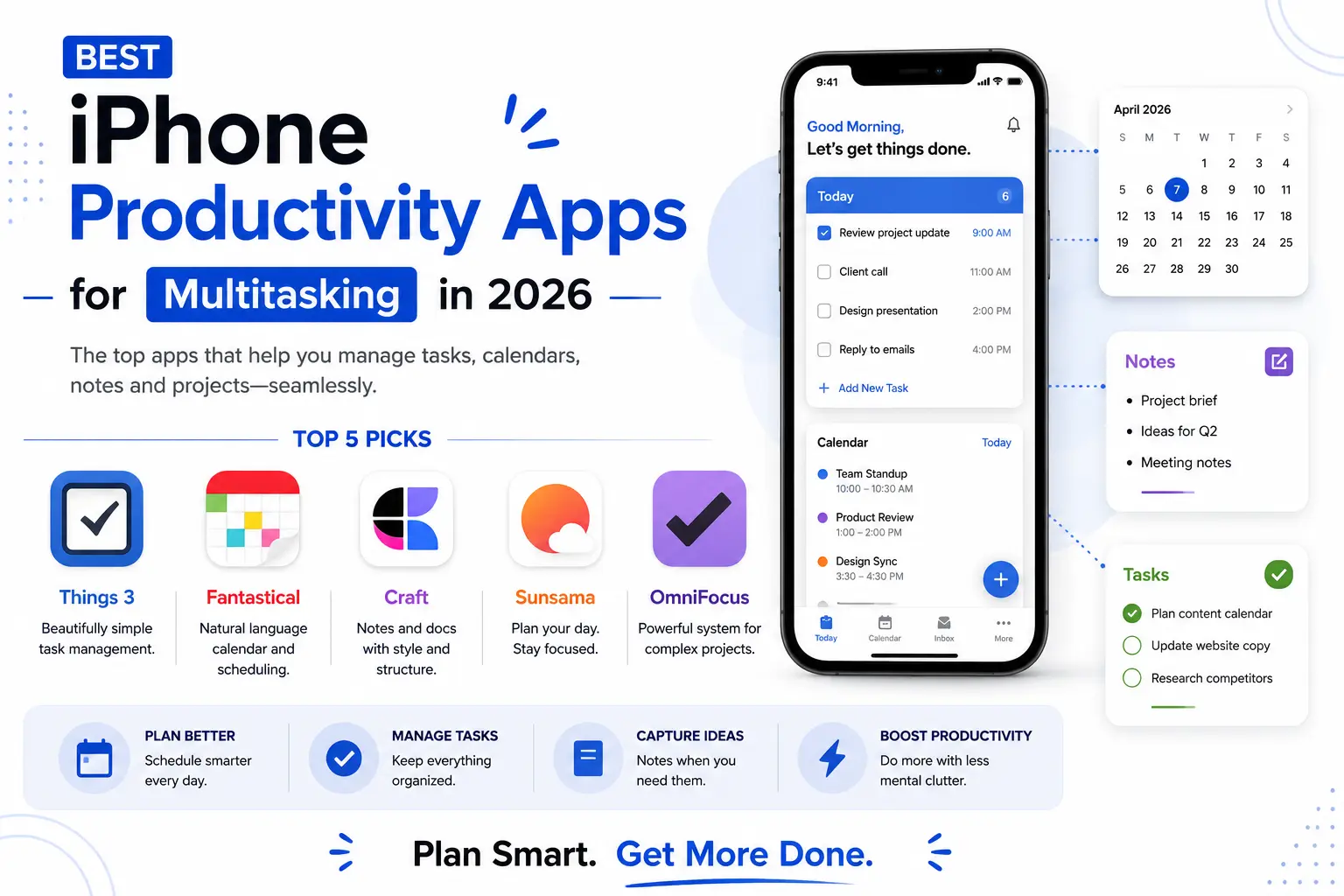
The iPhone has gotten genuinely capable at handling a packed, overlapping schedule, but the stock apps alone rarely cut it once your day involves more than a handful of tasks and back-to-back meetings competing for attention. The right combination of third-party productivity apps can turn an iPhone into a real multitasking hub, quietly syncing tasks, calendars, and notes across every context so nothing falls through the cracks during a genuinely chaotic week at work. The trick isn’t downloading every productivity app available, it’s picking two or three that actually talk to each other cleanly rather than creating five separate places to check every morning. Here are five iPhone productivity apps worth relying on in 2026, chosen specifically for how well they handle real multitasking rather than looking good in a screenshot.
Things 3
Things 3 remains one of the cleanest task managers on iOS, using a simple today and upcoming view that keeps a busy task list from feeling overwhelming even on a genuinely packed day, with quick natural-language date entry that speeds up daily planning considerably.
Fantastical
Fantastical’s natural language event creation lets you type something like ‘lunch with Sam Thursday 1pm’ and have it parsed instantly into a proper calendar entry, a small feature that saves real cumulative time across a day full of constant scheduling back and forth.
Craft
Craft blends note-taking and light project documentation into a visually clean workspace, making it a strong middle ground between a plain notes app and a full project management tool for people juggling multiple ongoing threads of work at once.
Sunsama
Sunsama pulls tasks from other tools like Trello or email directly into one unified daily planning view, forcing a genuinely realistic look at how much actually fits into today before the day inevitably gets away from you entirely.
OmniFocus
OmniFocus remains the choice for power users managing genuinely complex, multi-project workloads, with perspectives and tagging deep enough to organize dozens of overlapping responsibilities at once without anything quietly slipping through the cracks.
The biggest multitasking wins usually come from cutting down the number of apps you check rather than adding more of them, so it’s worth being deliberate about which two or three actually earn a permanent spot on your home screen. Freelancers and consultants juggling several clients tend to benefit most from OmniFocus’s tagging depth, since it can separate overlapping projects cleanly in a way simpler task managers struggle with. Anyone whose day is dominated by meetings rather than task lists will get more daily value out of Fantastical’s fast event creation than out of a heavier project management app. Widgets and Shortcuts automation are also worth setting up alongside whichever app you choose, since a well-configured home screen widget showing today’s top three tasks removes the need to even open the app most mornings. It’s also worth periodically auditing whichever tools you settle on every few months, since a system that felt effortless during a quiet period at work can quietly become another source of overwhelm once your workload picks back up again.
Multitasking on the iPhone comes down less to raw hardware specs and more to whether your chosen apps actually talk to each other and share context cleanly. Pair a solid task manager like Things 3 or OmniFocus with a smart calendar like Fantastical, and most genuinely busy schedules become manageable instead of a constant scramble to remember what’s supposed to happen next.